


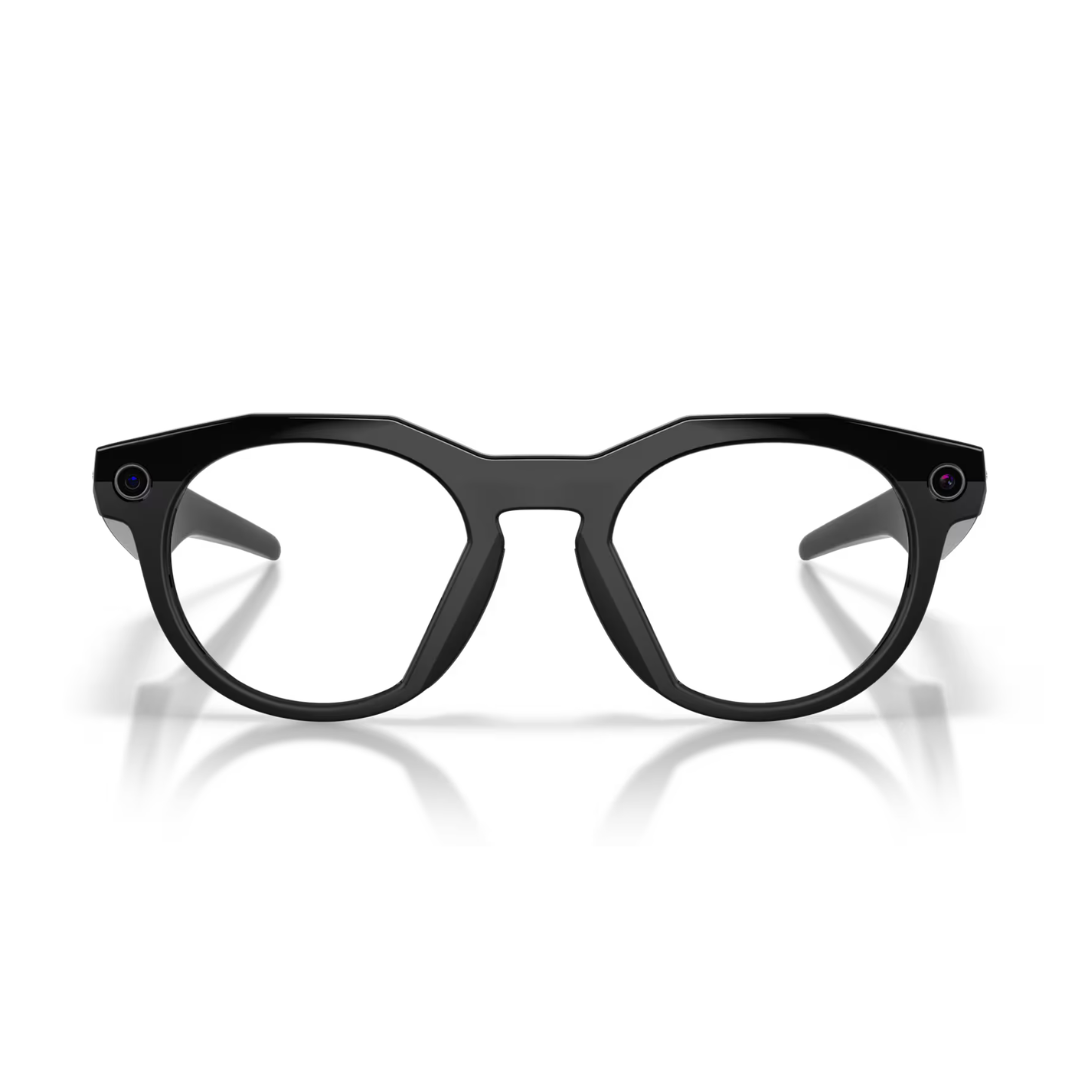
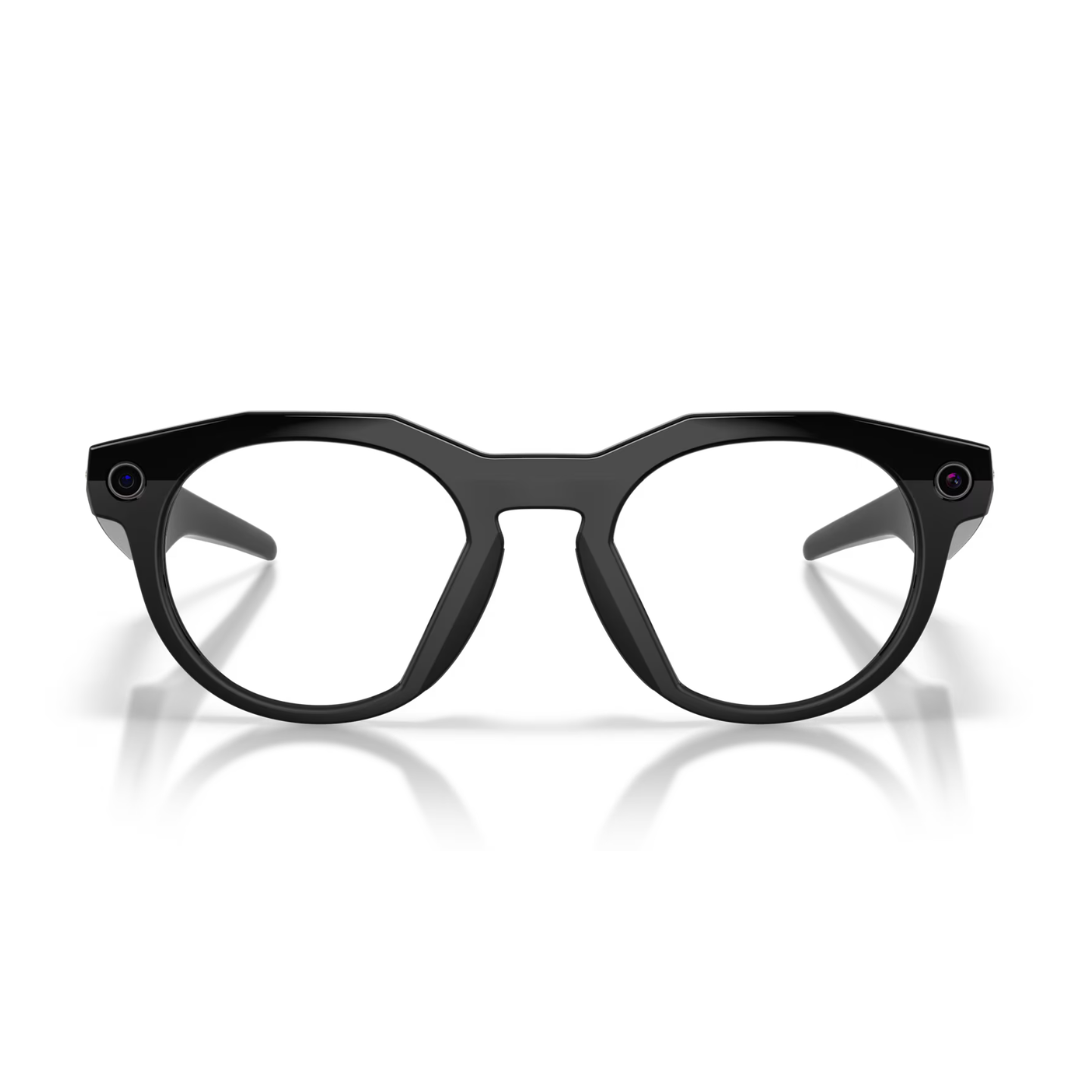
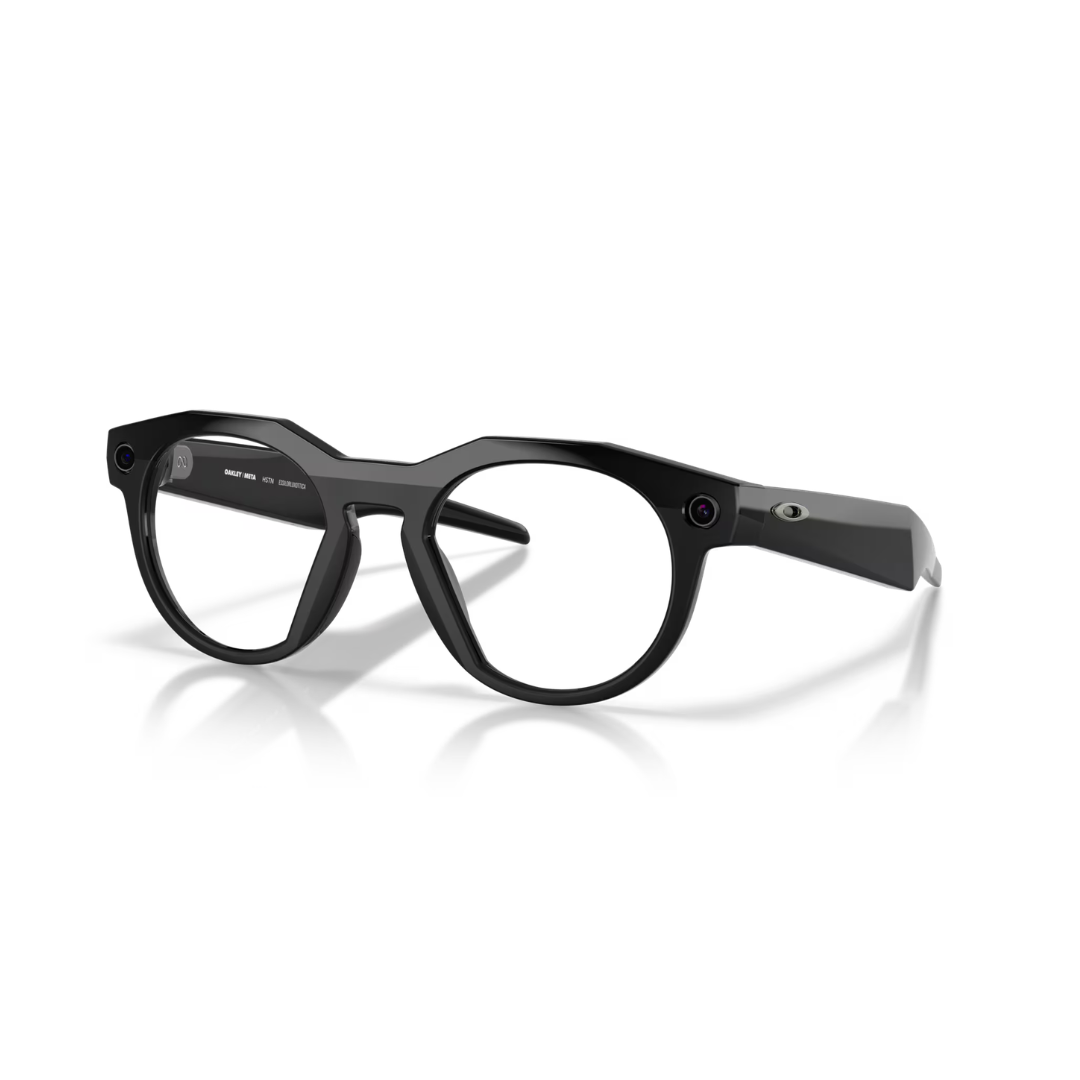
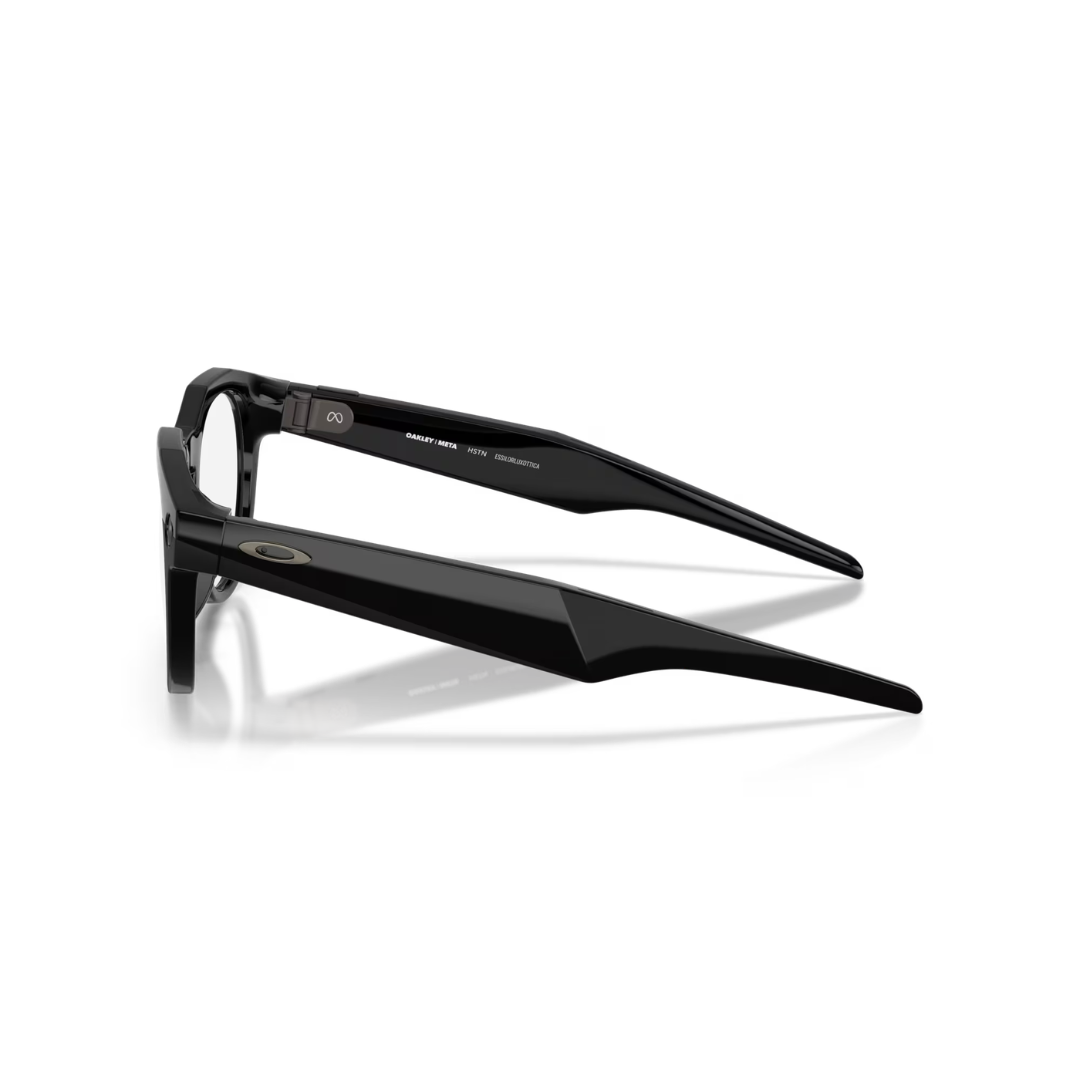
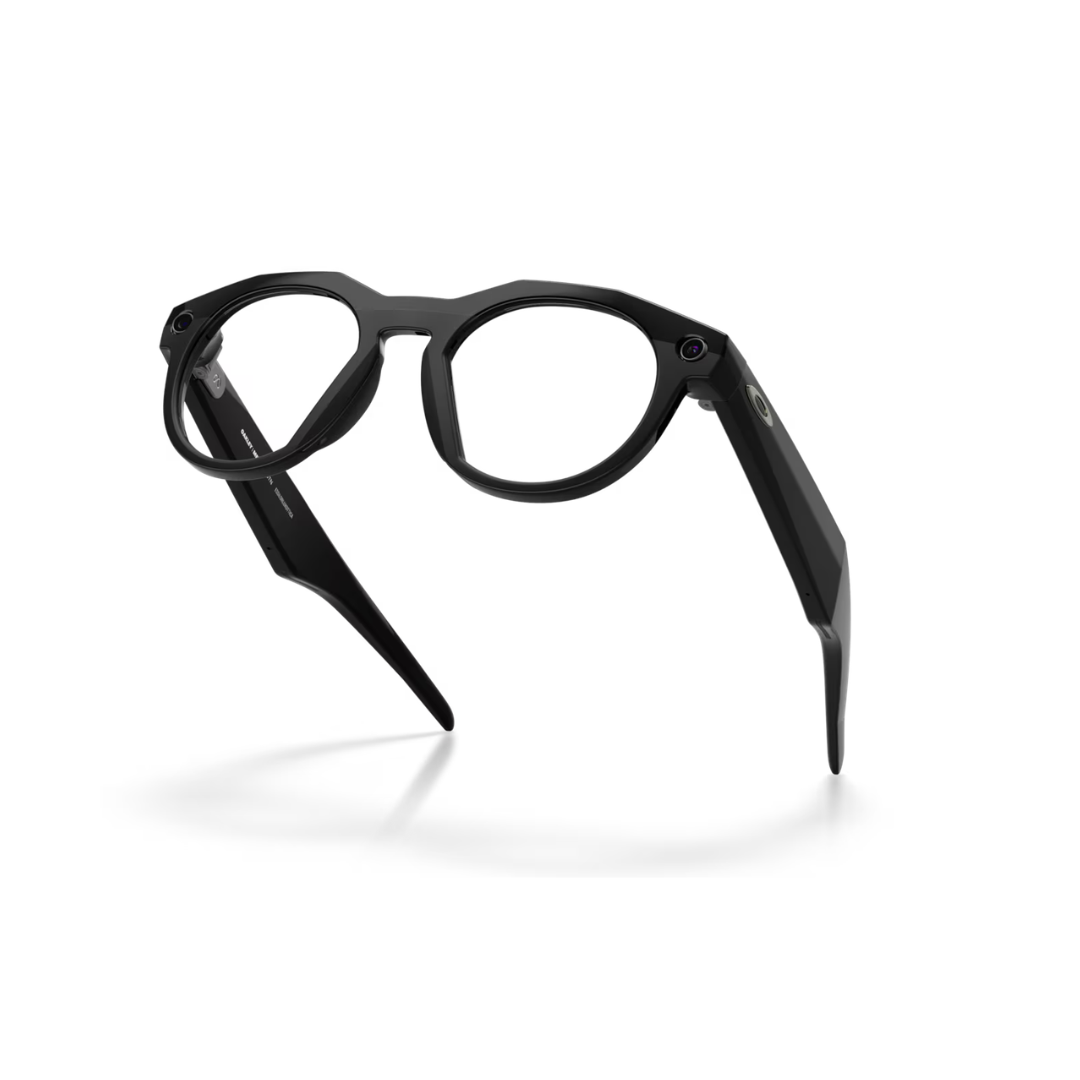
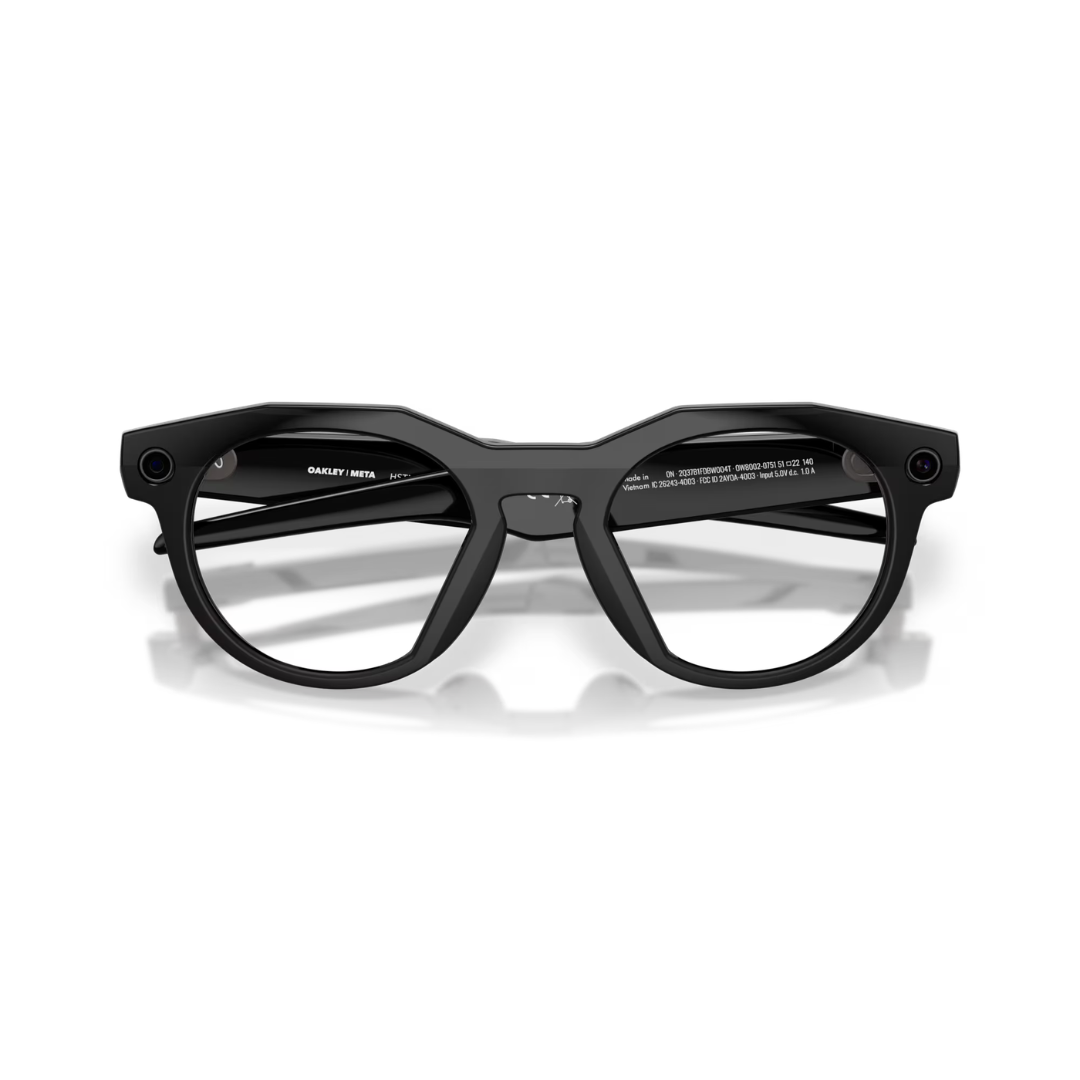
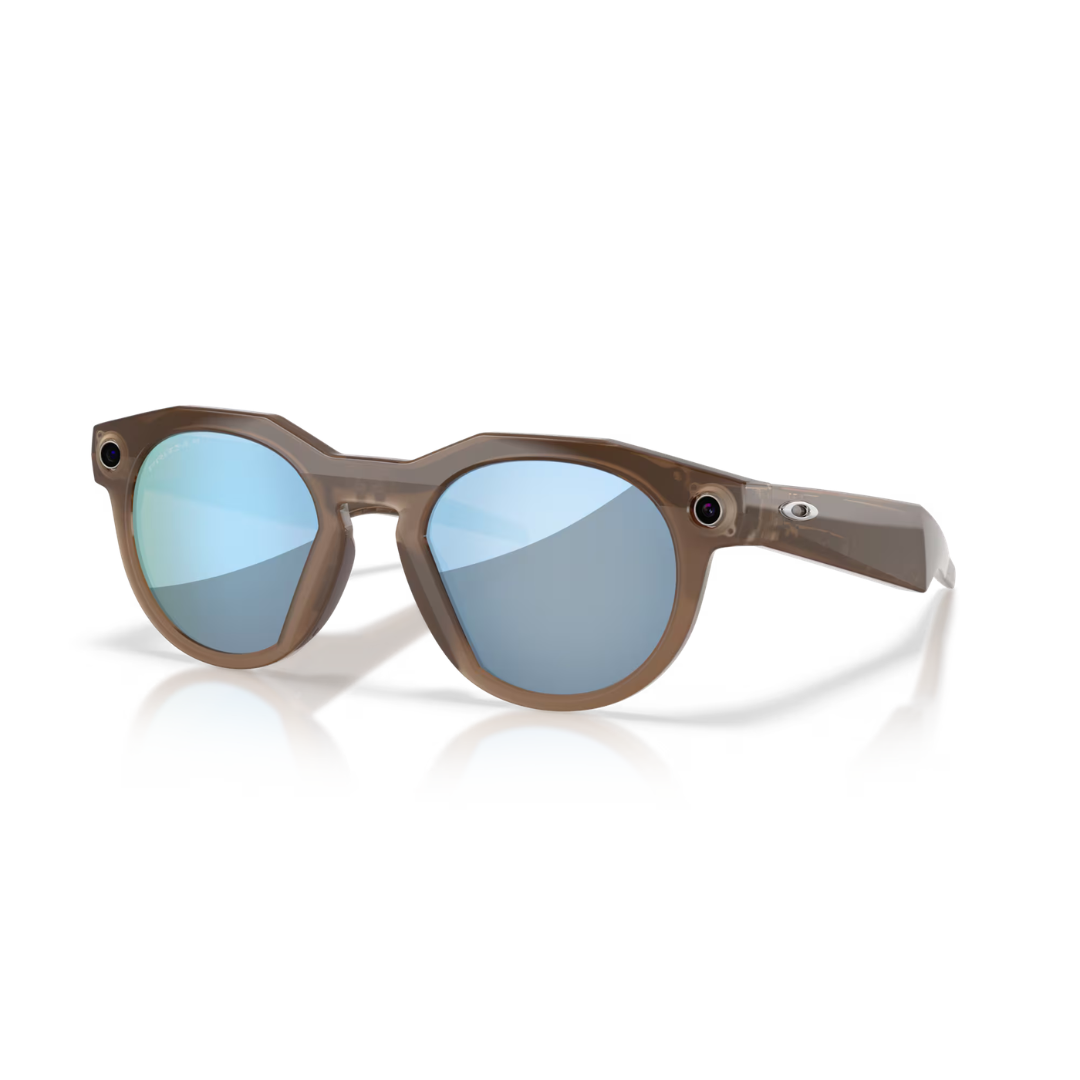
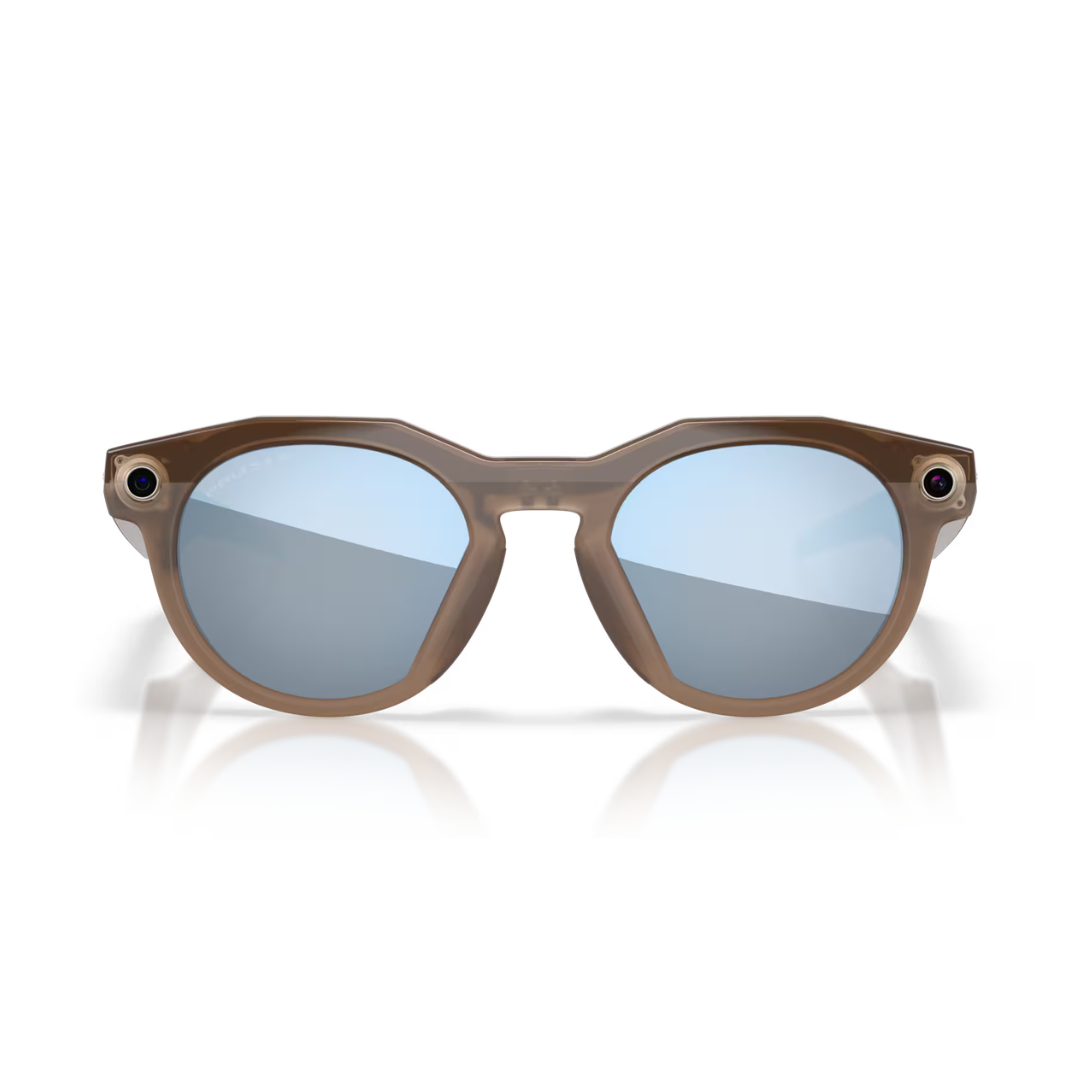
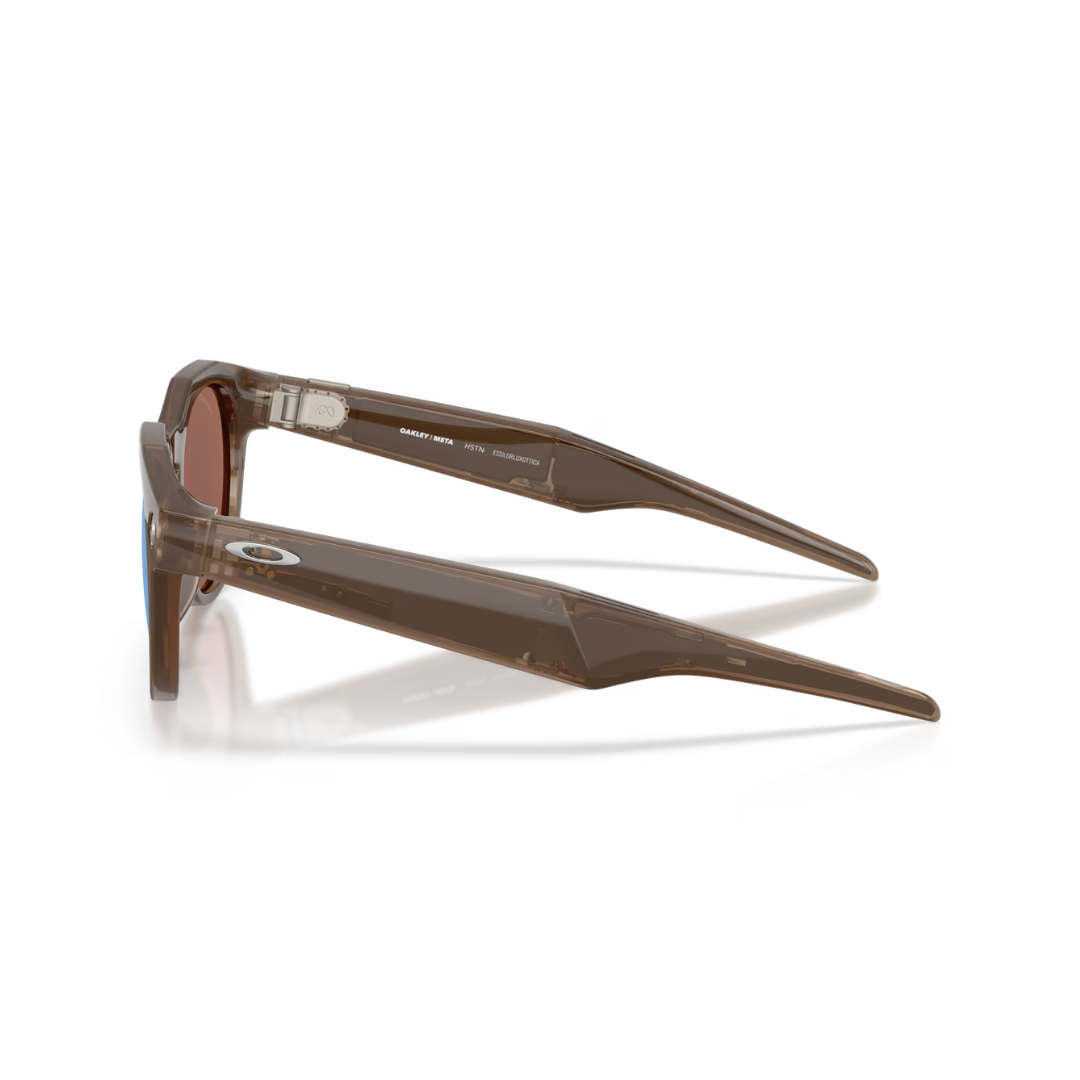
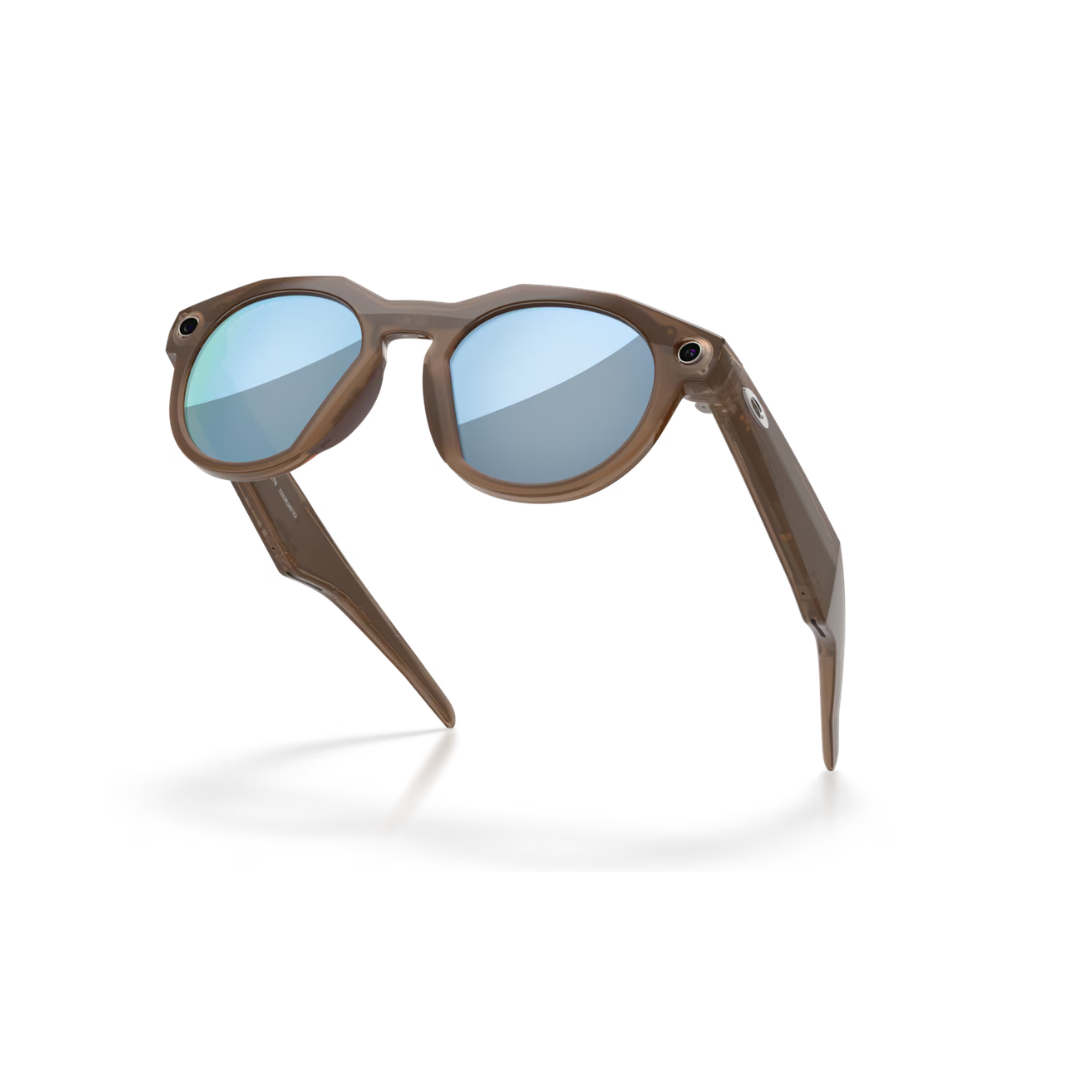
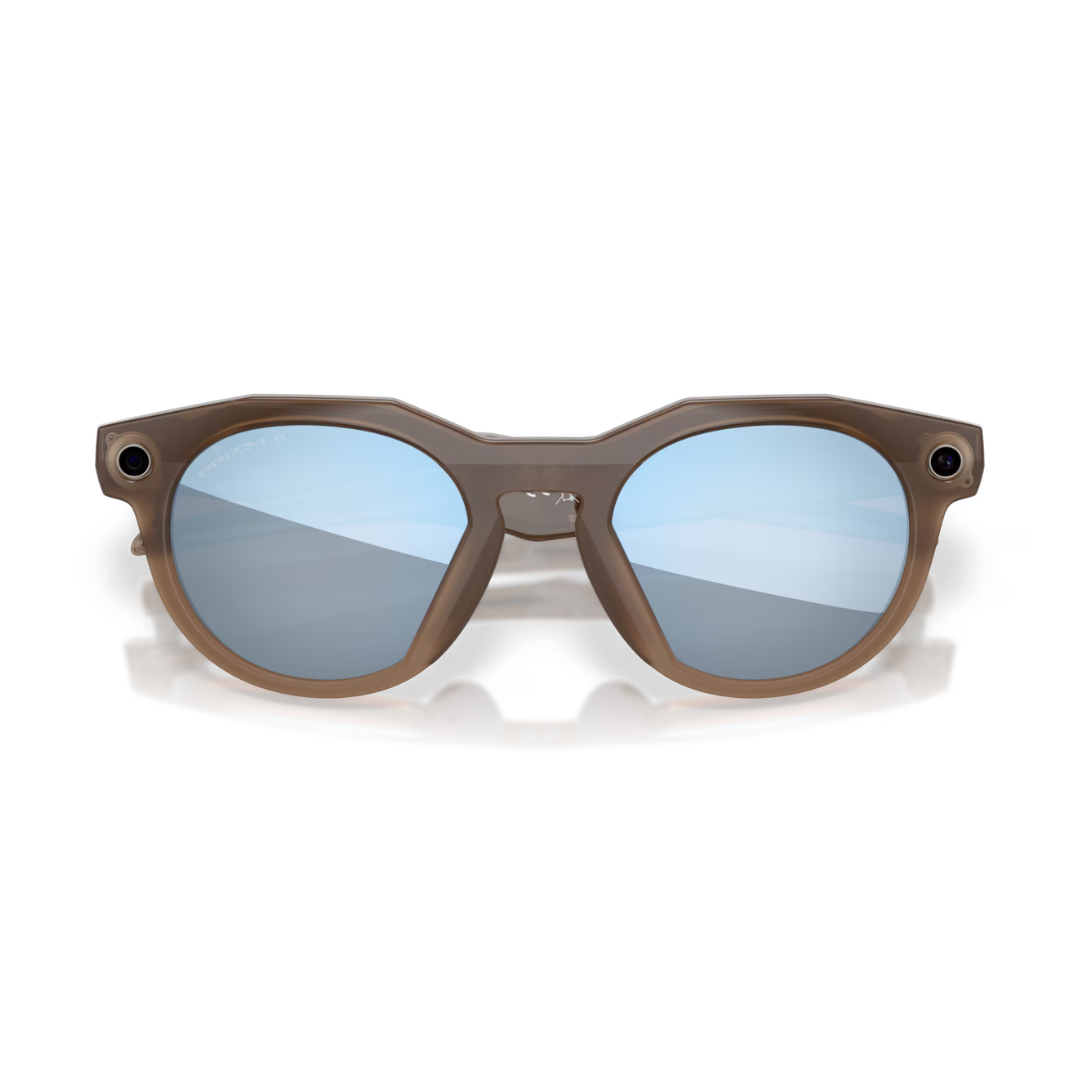
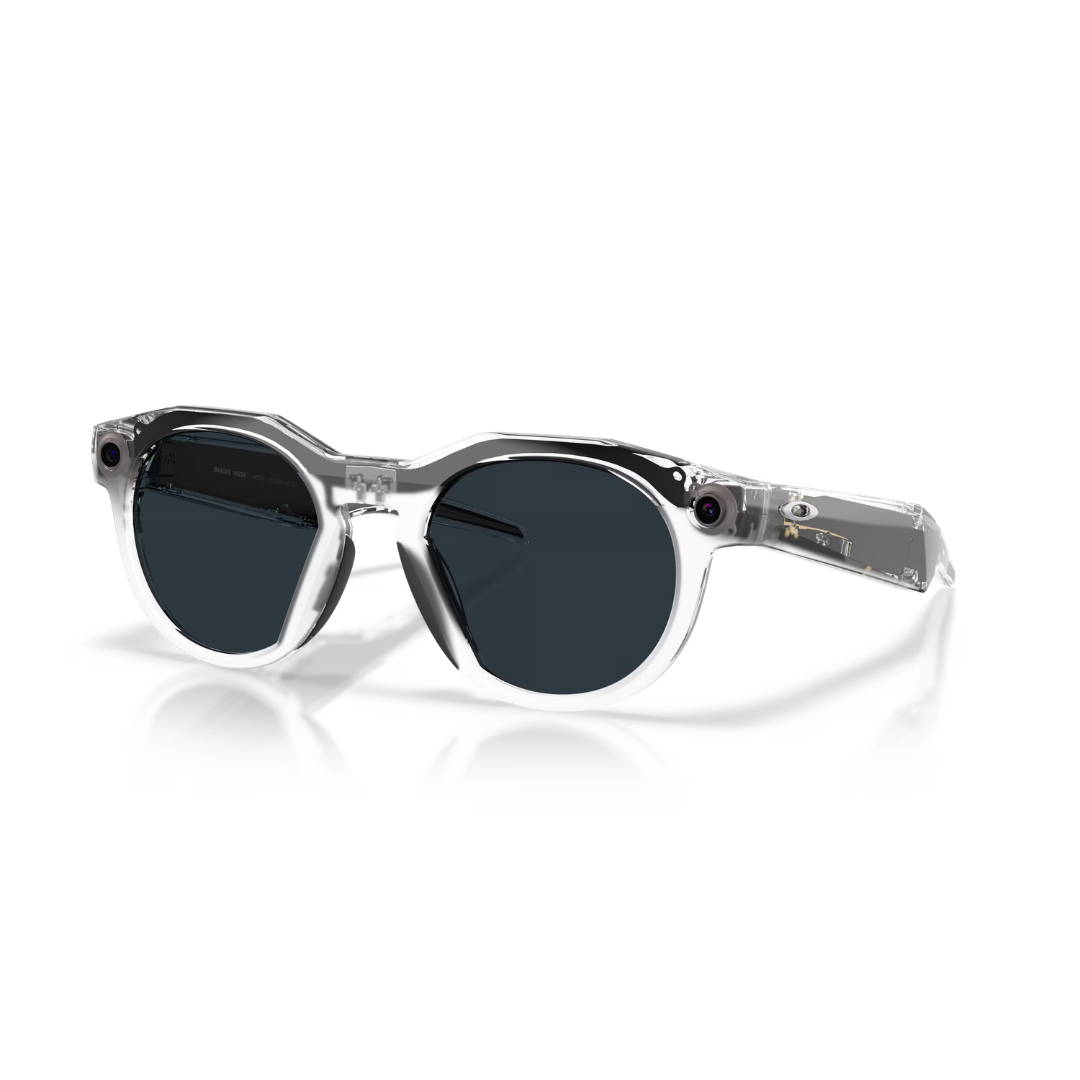
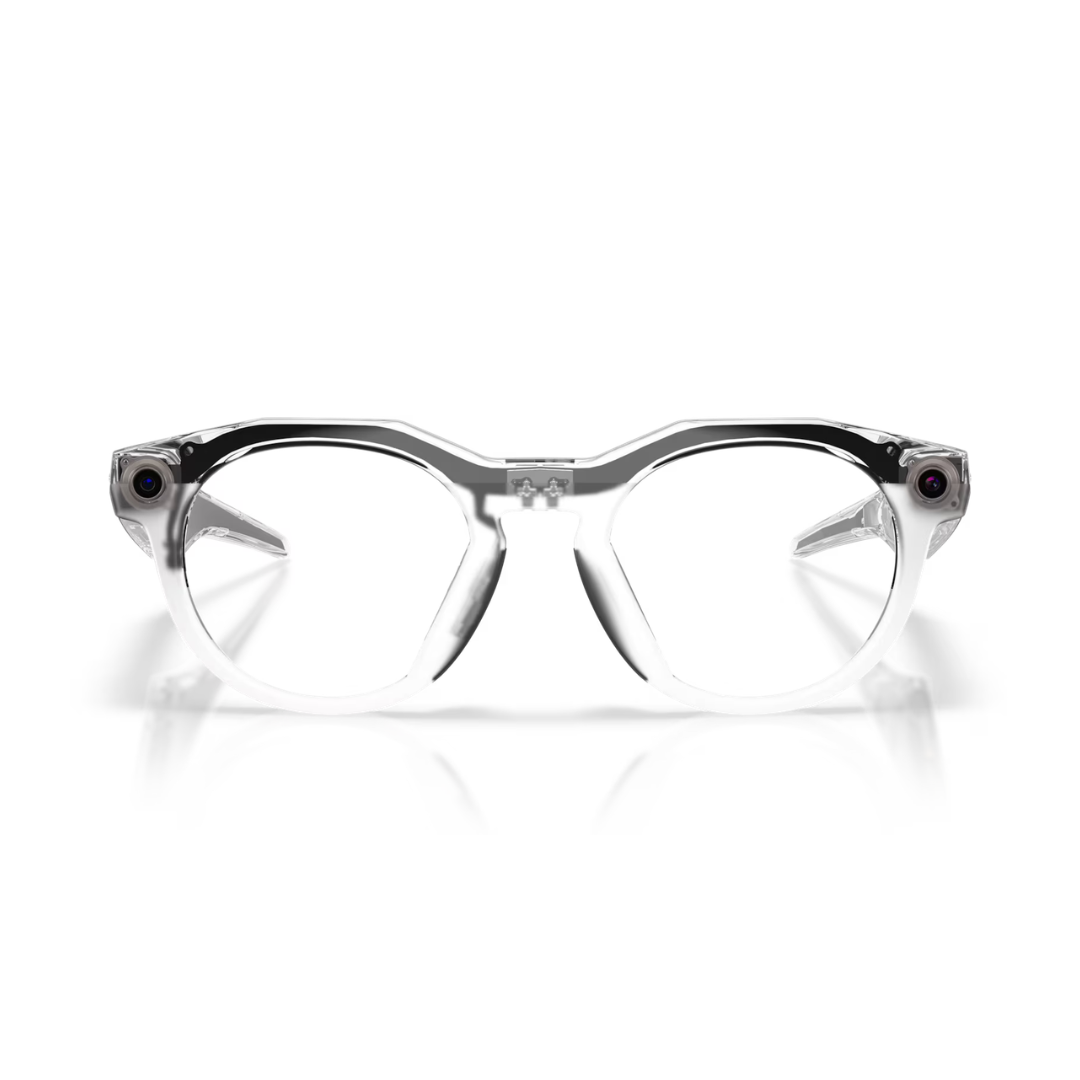
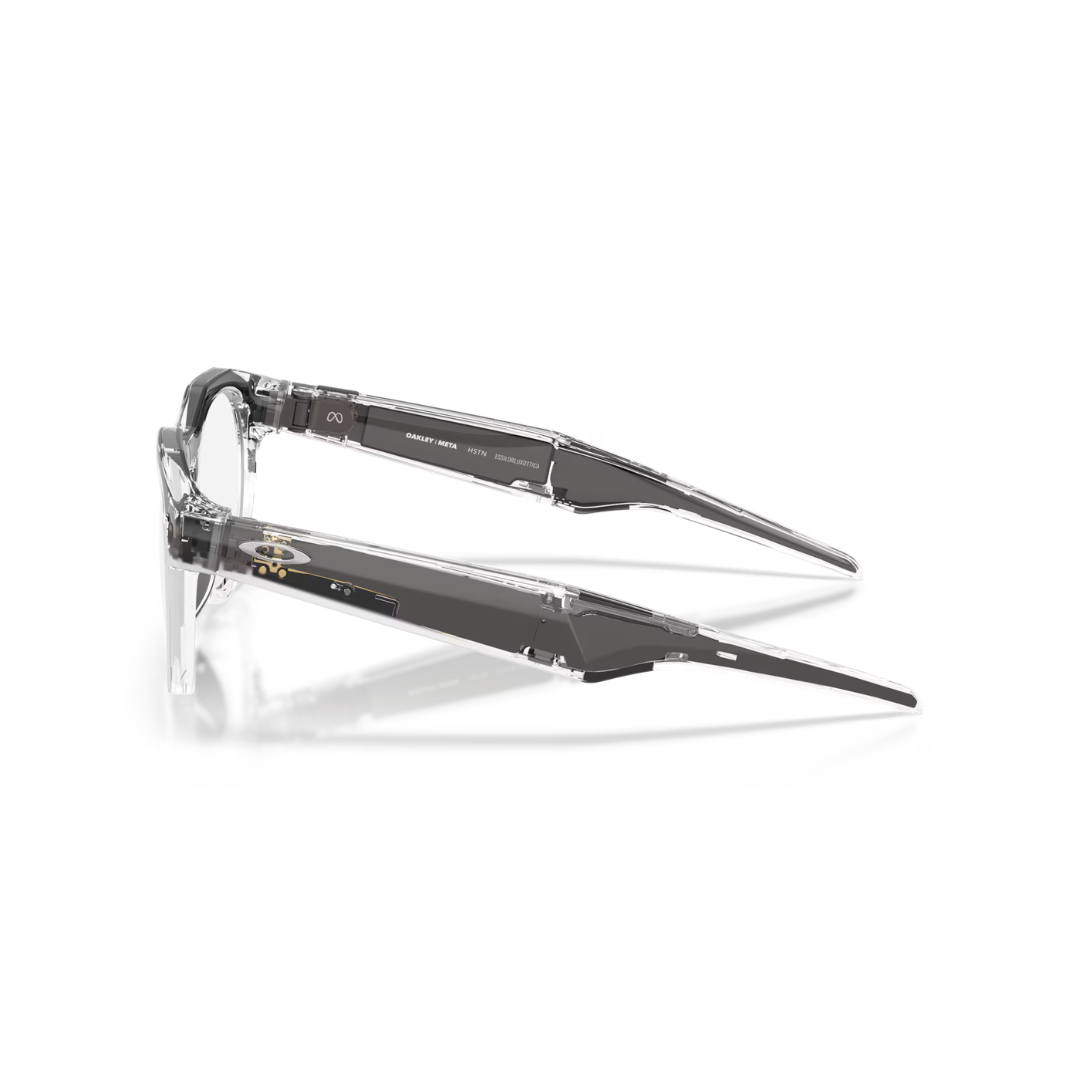
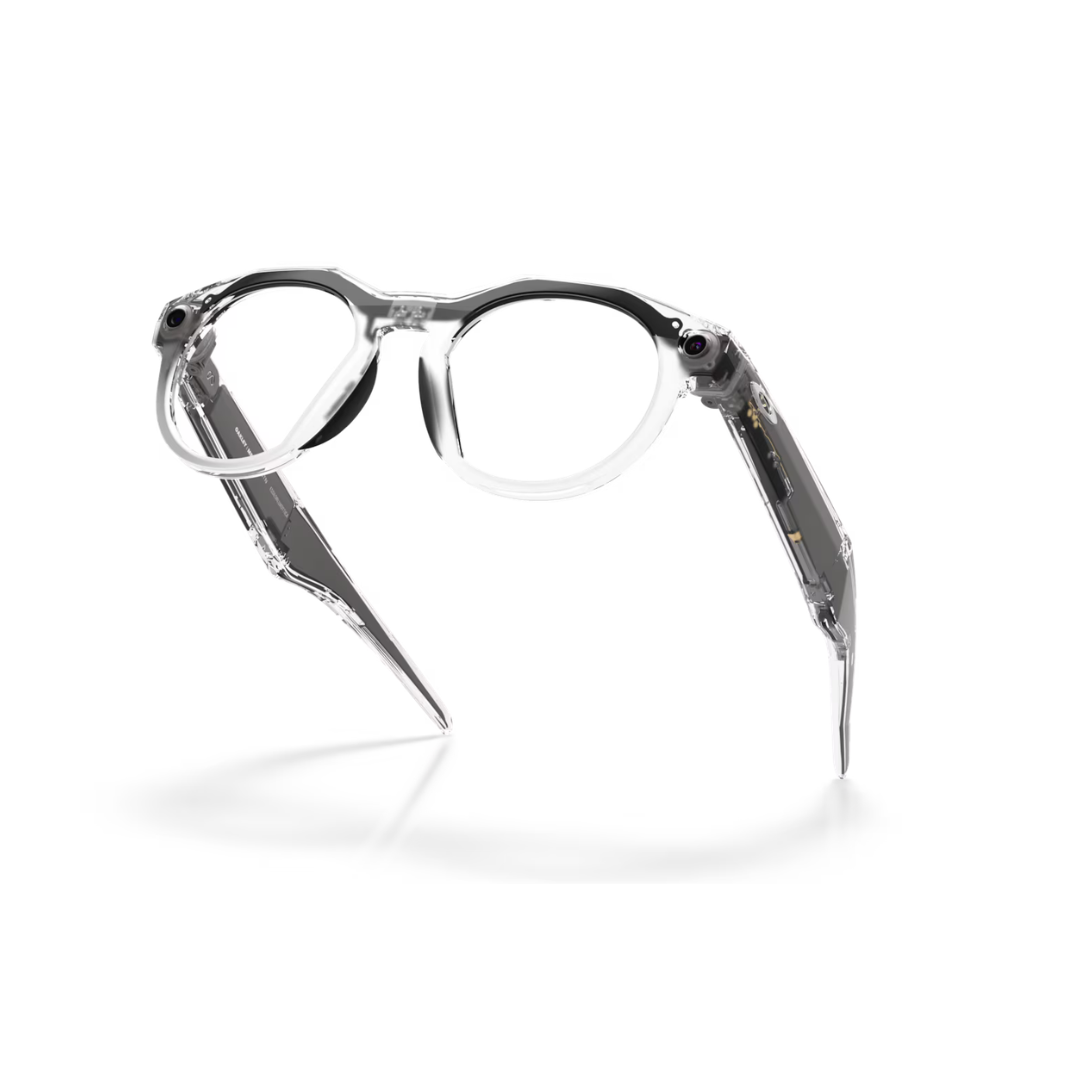
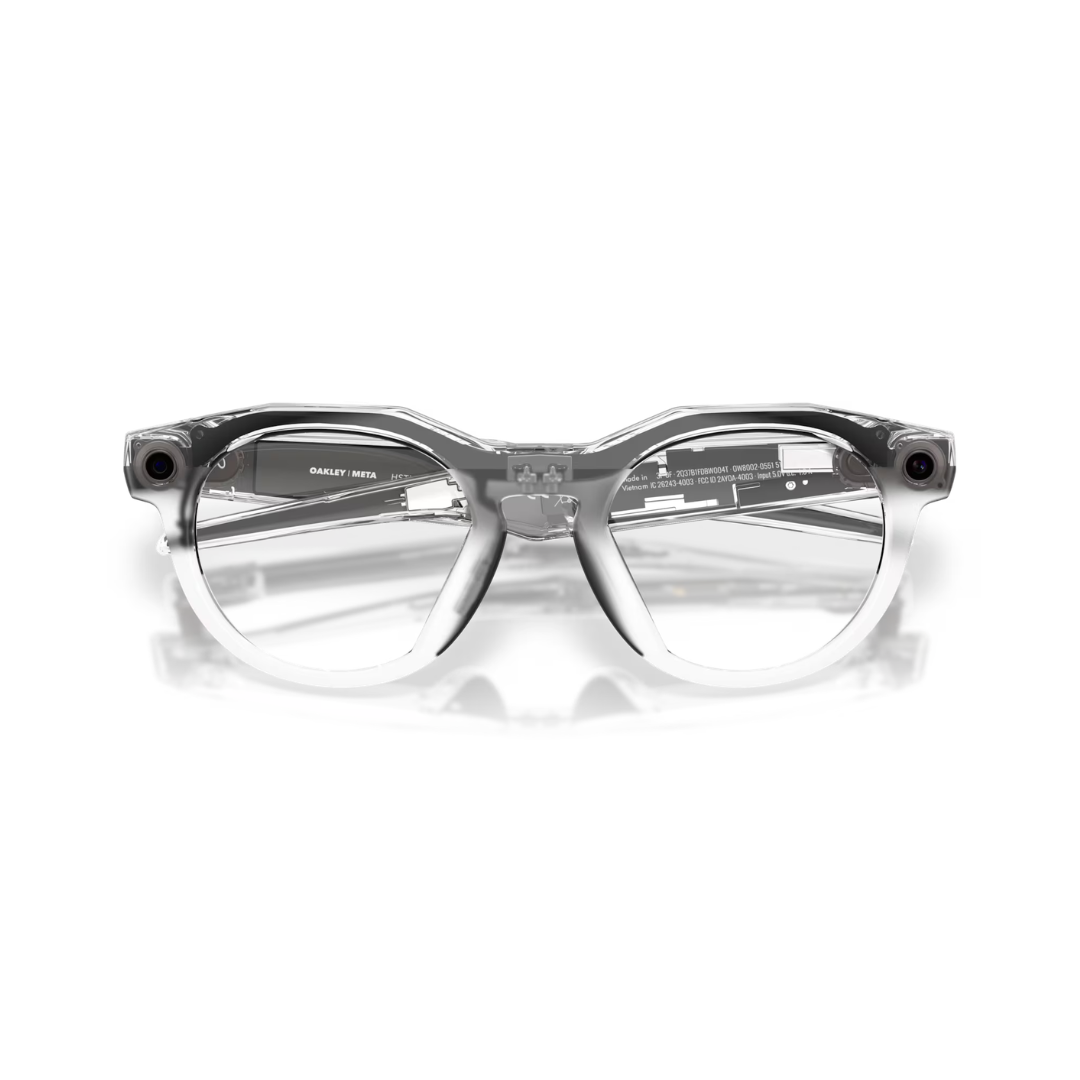
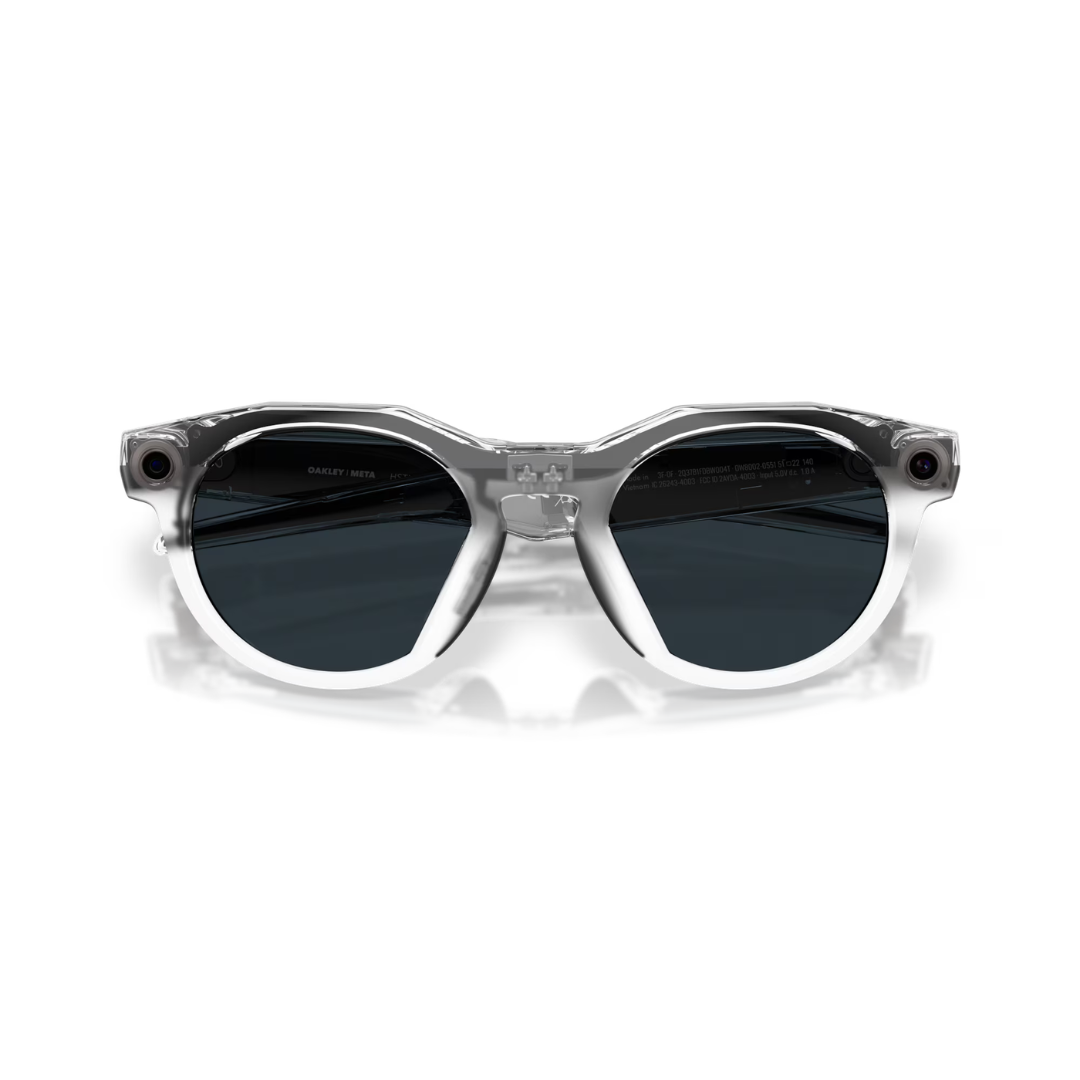
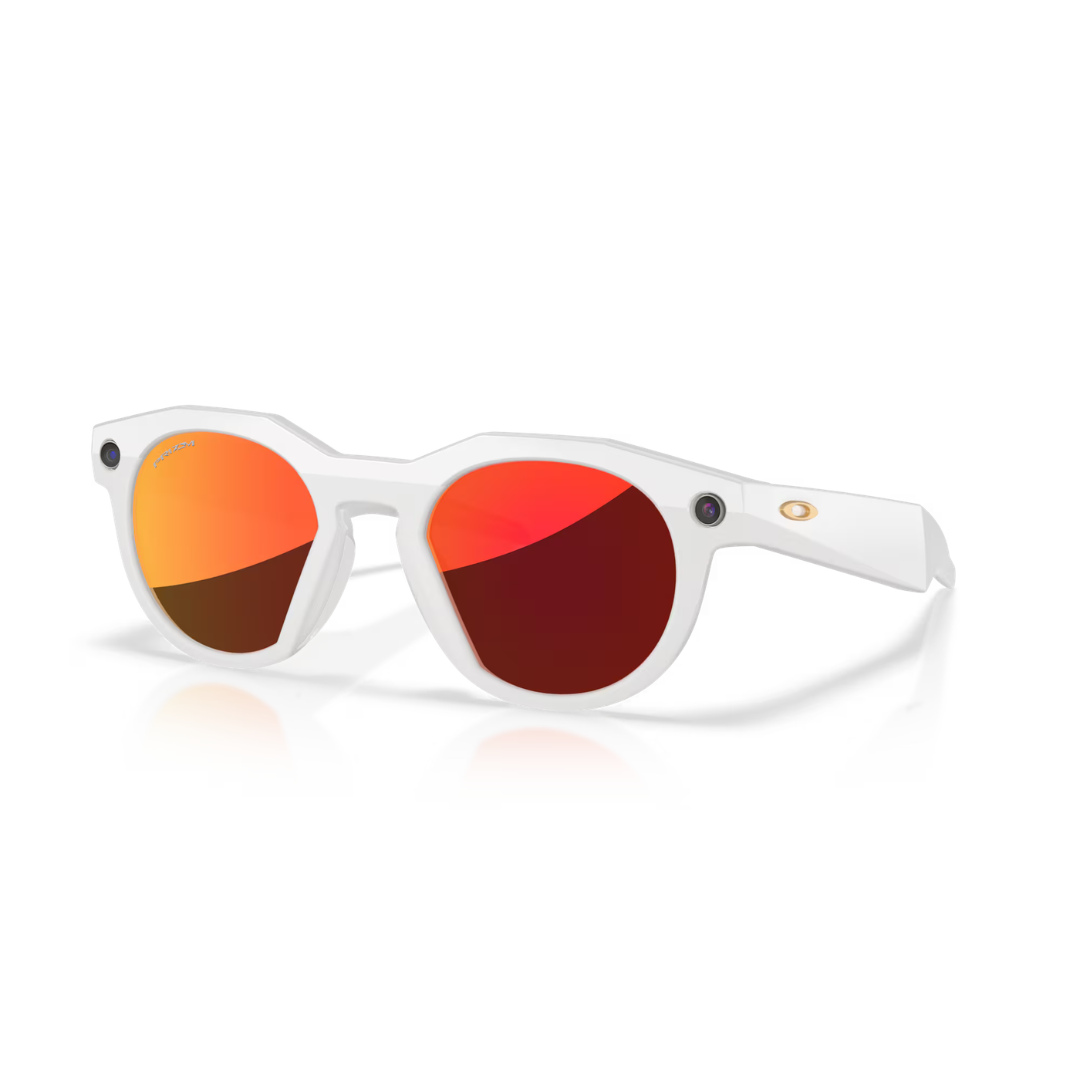
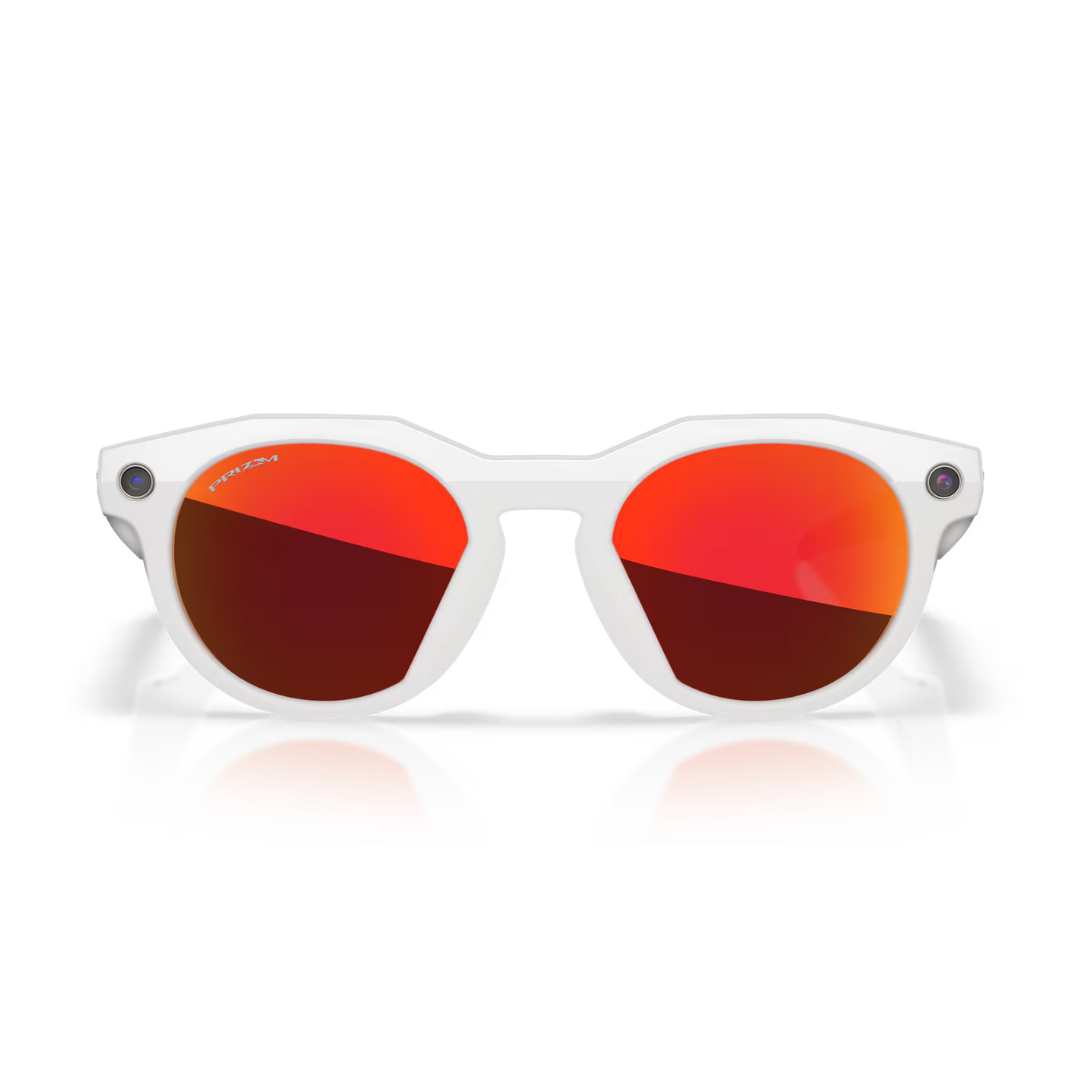
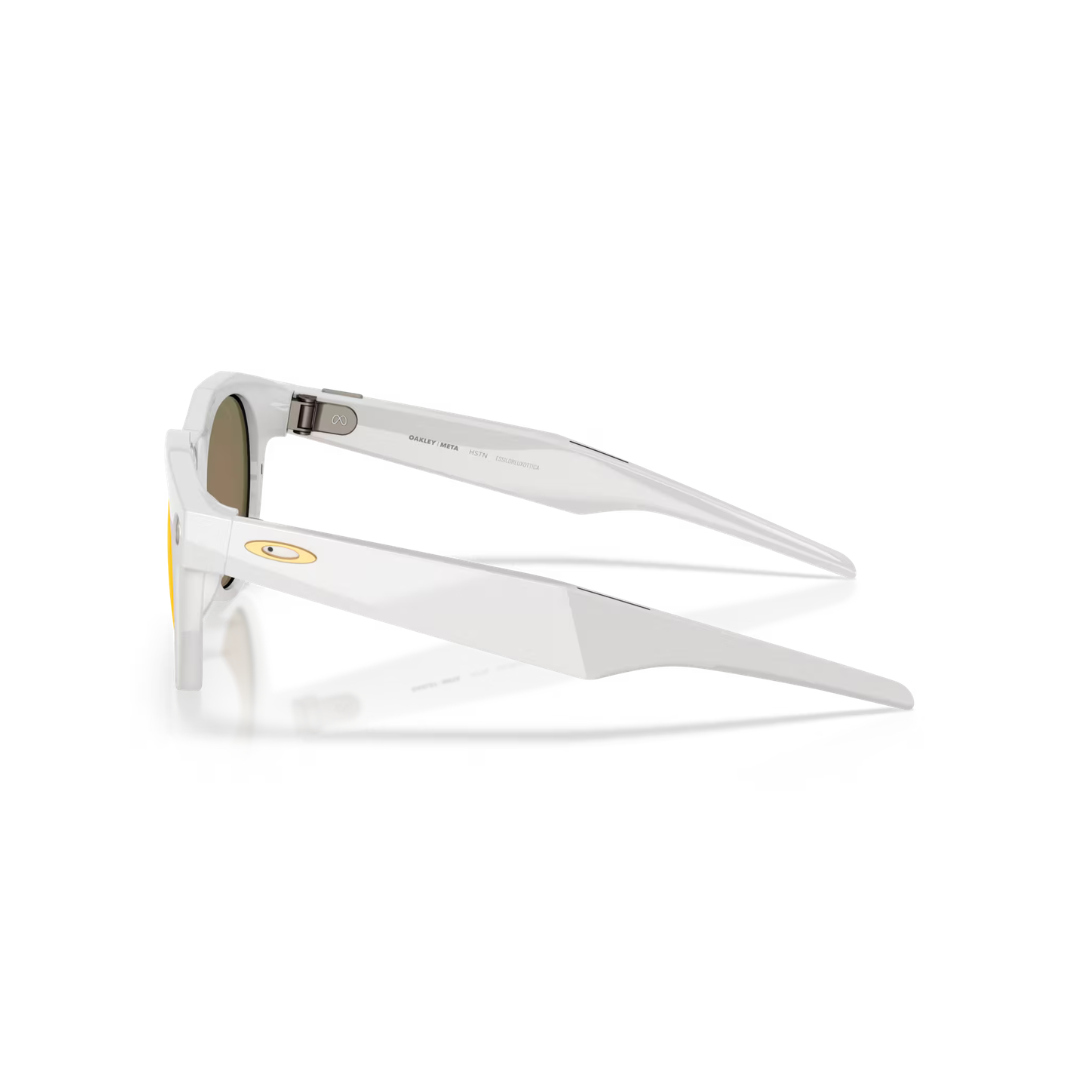
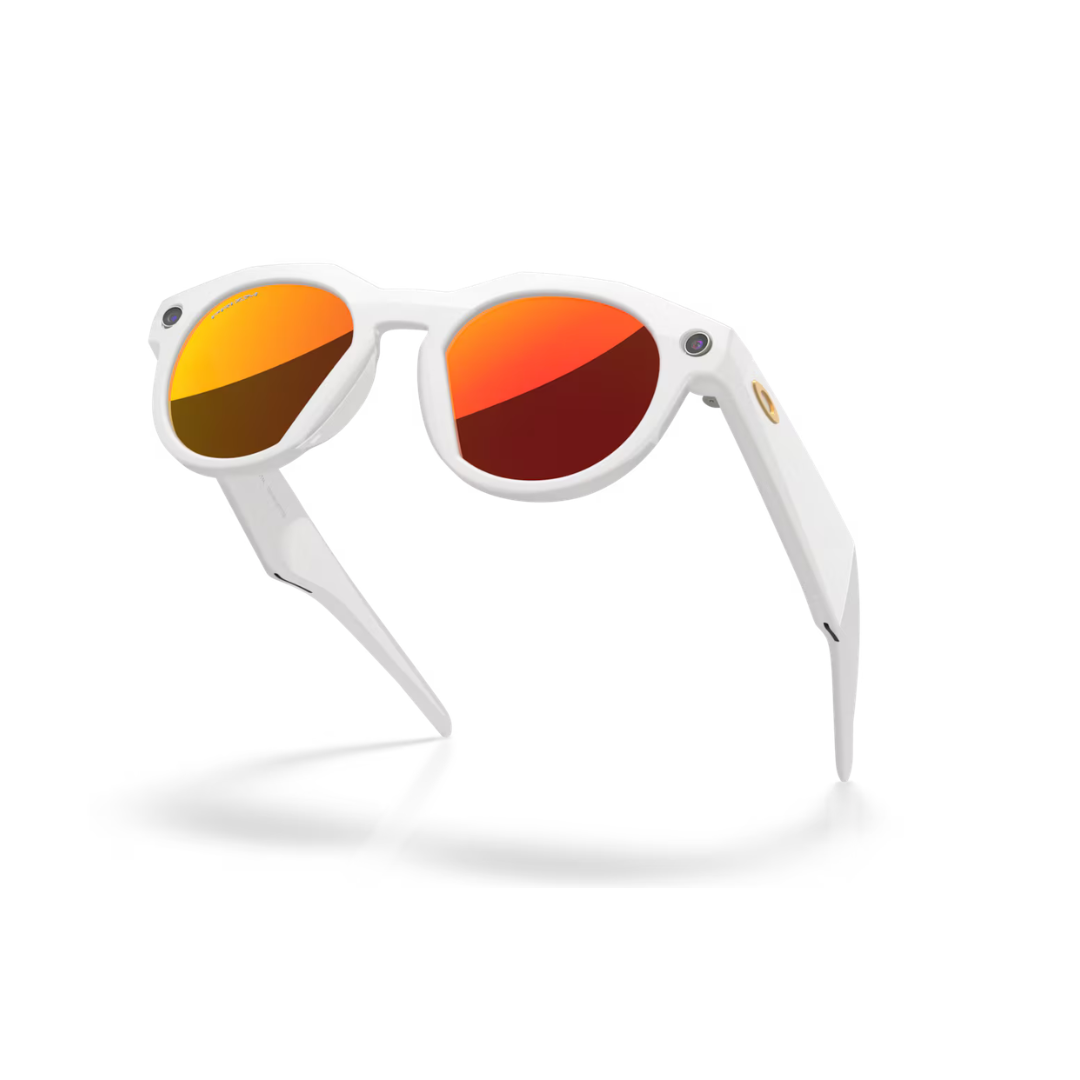
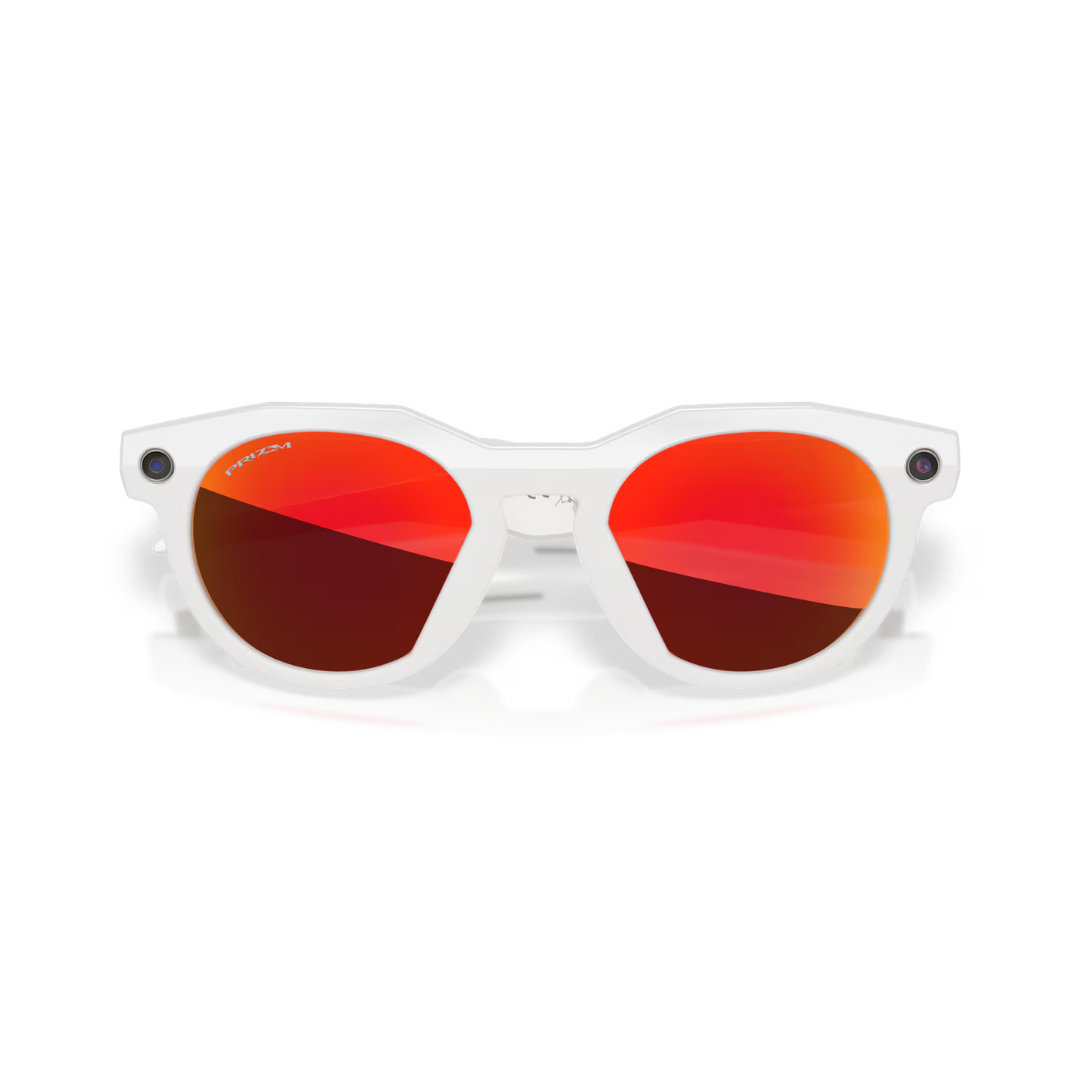
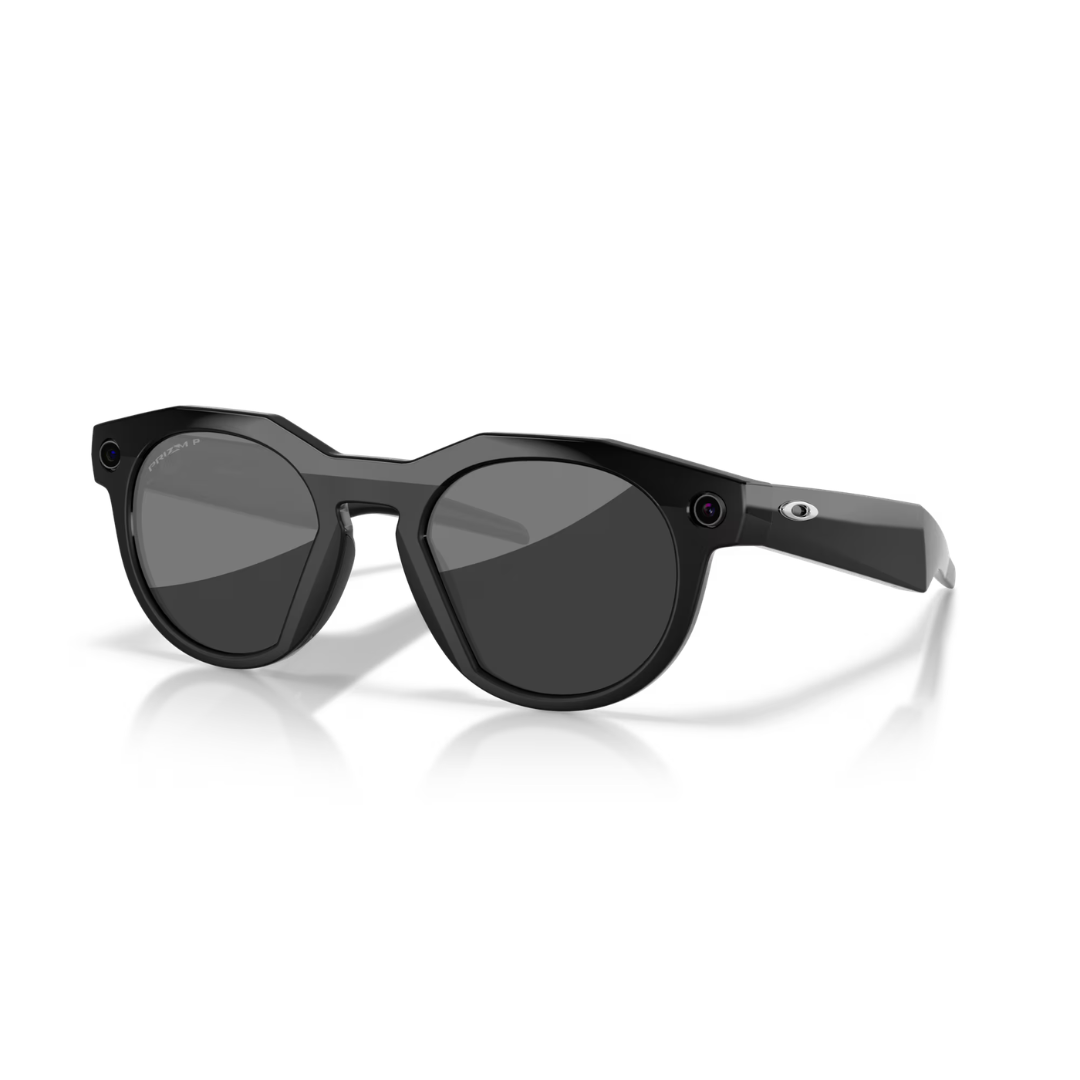
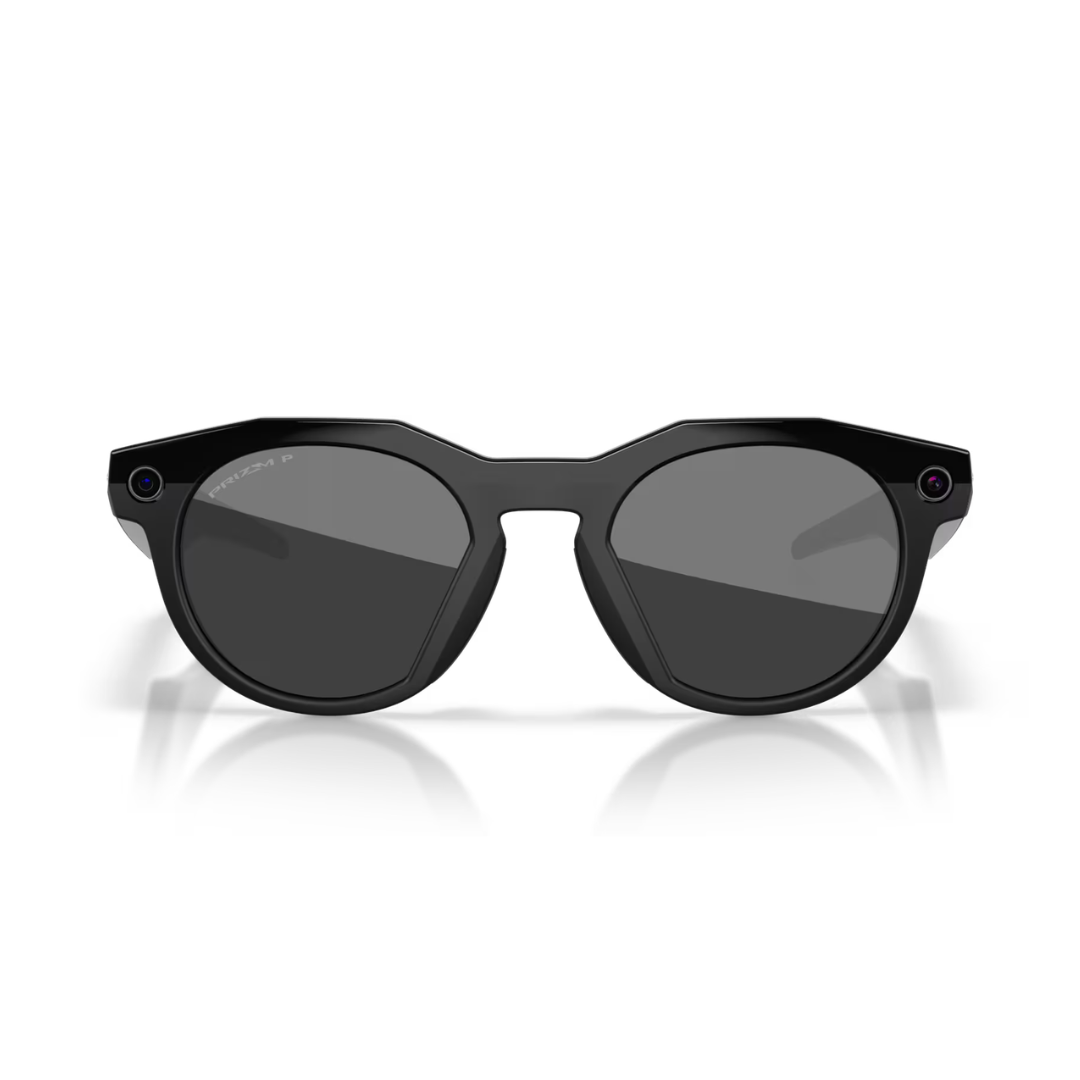
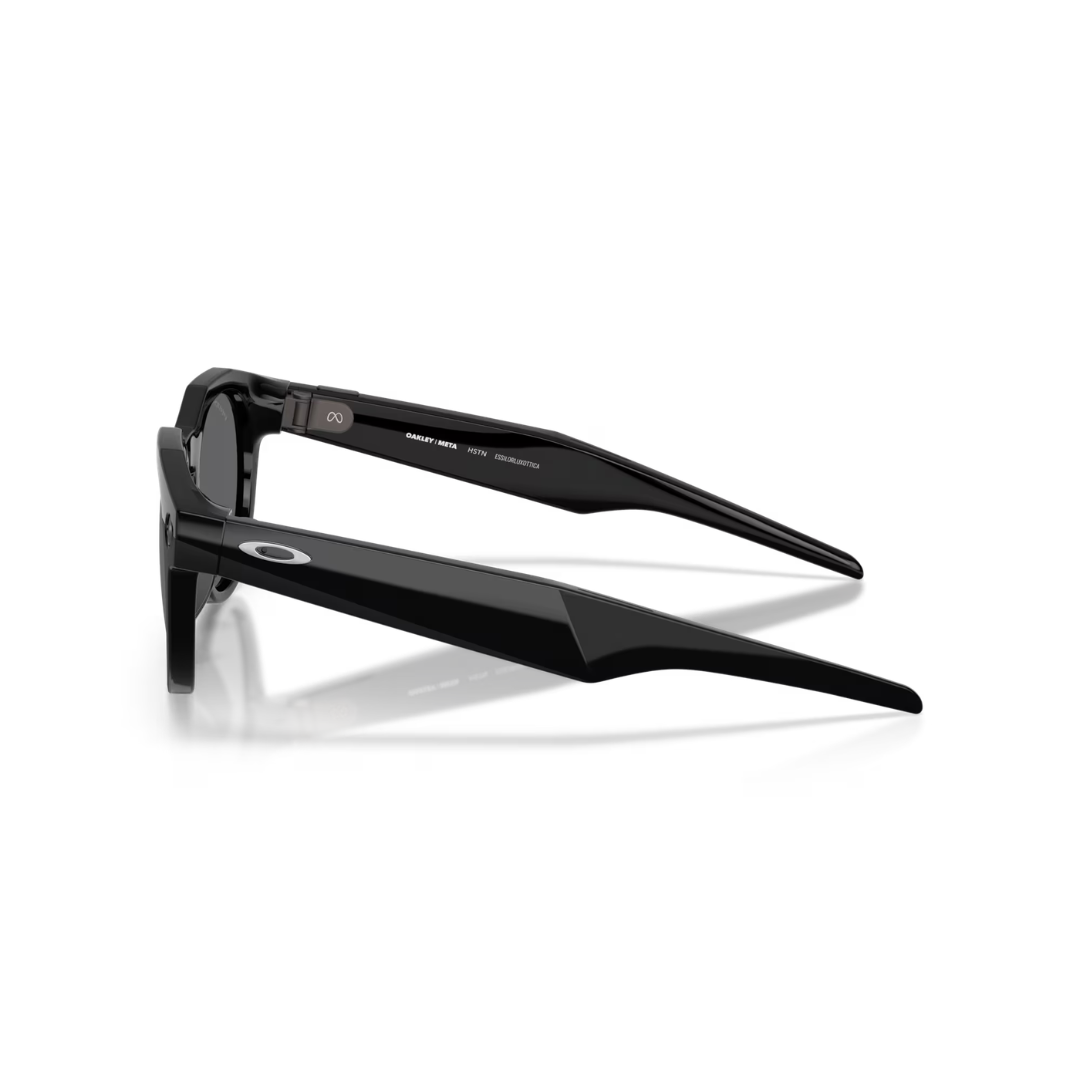
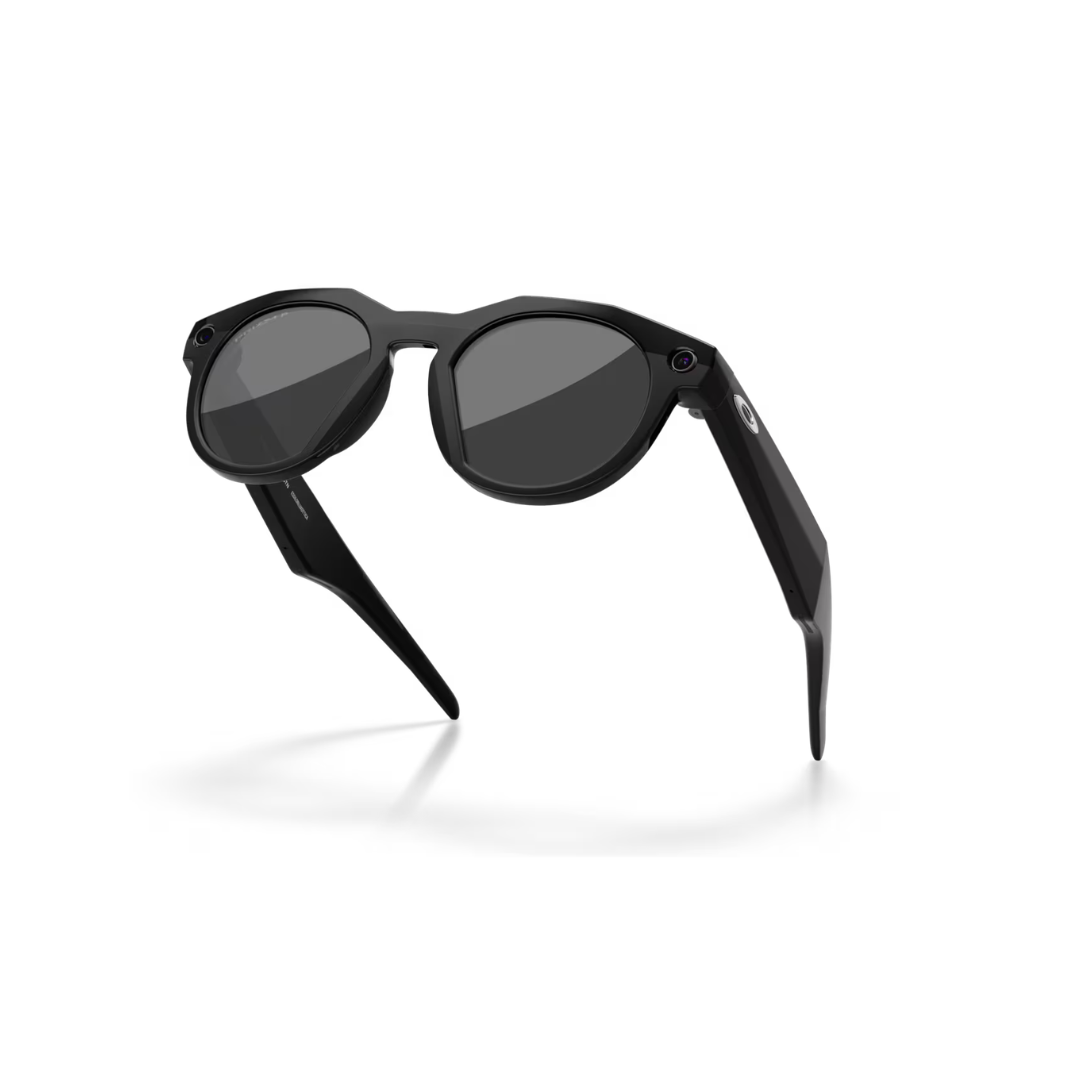
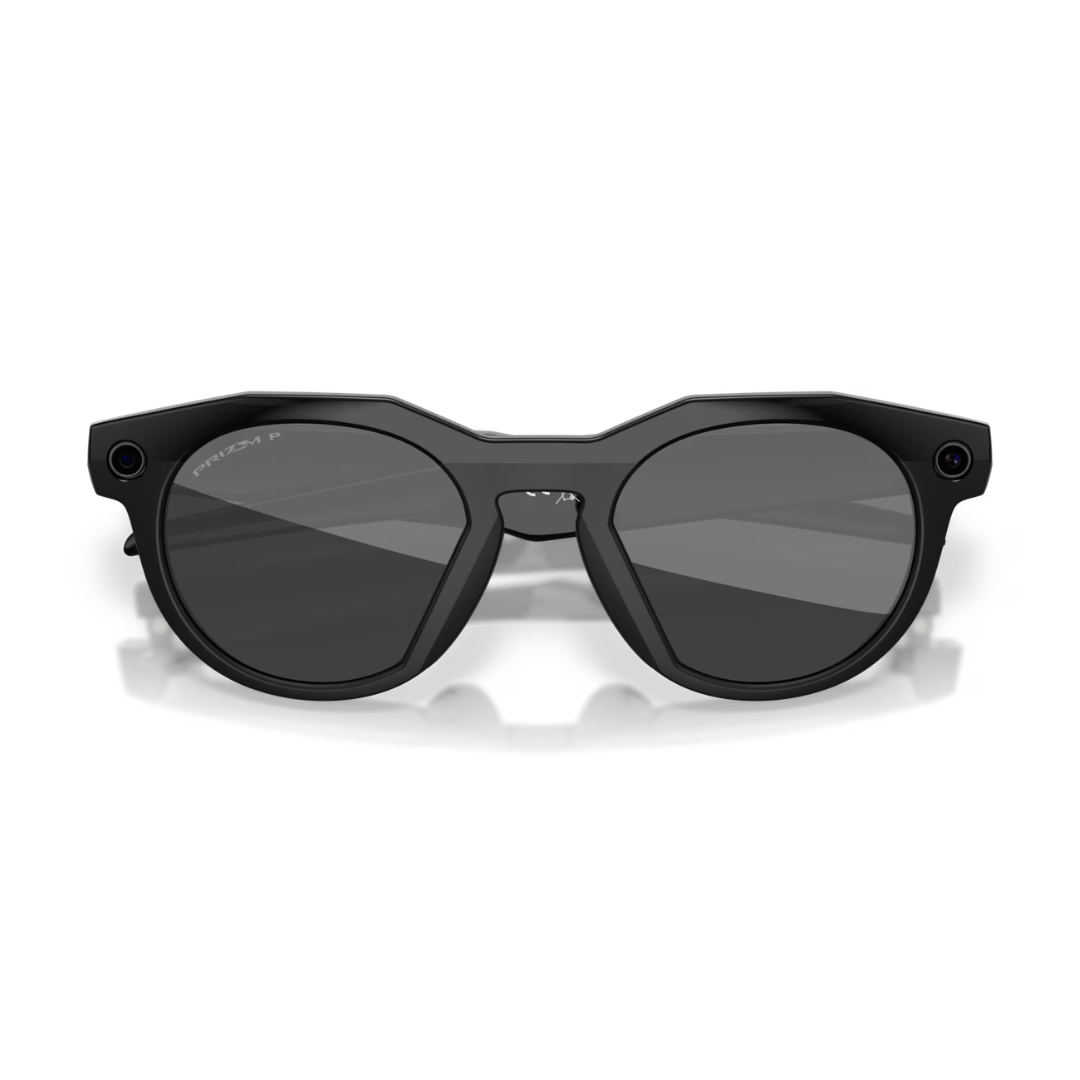
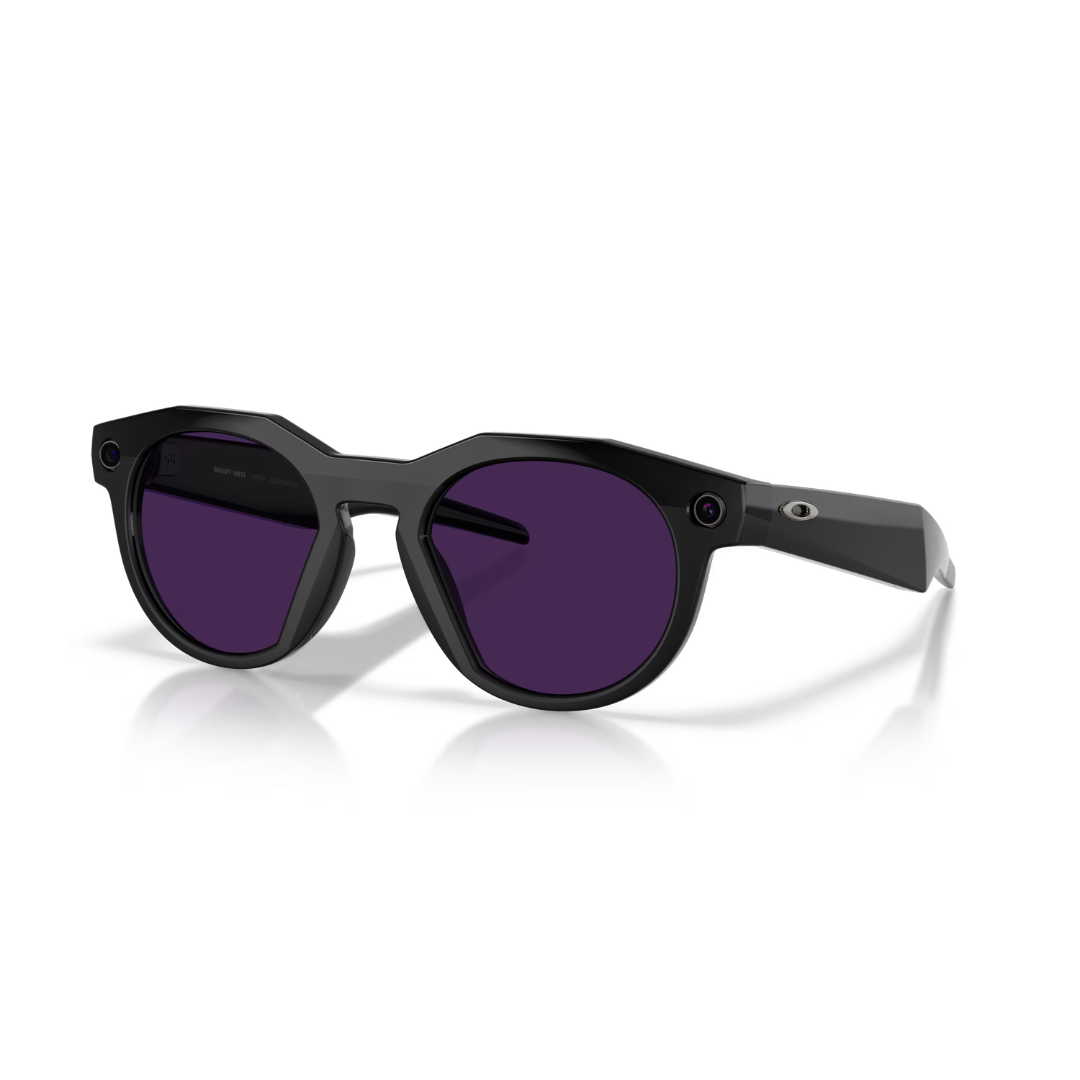
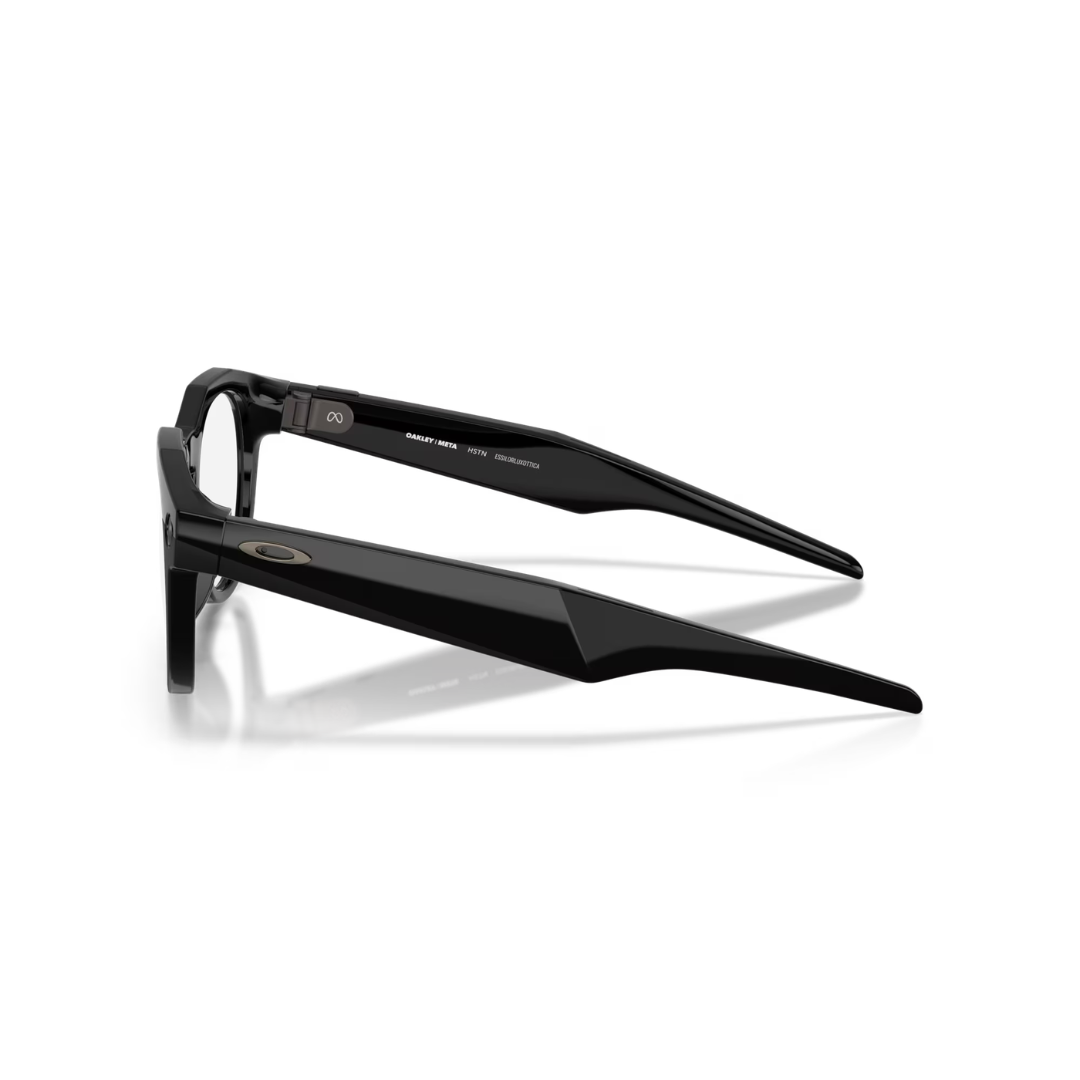
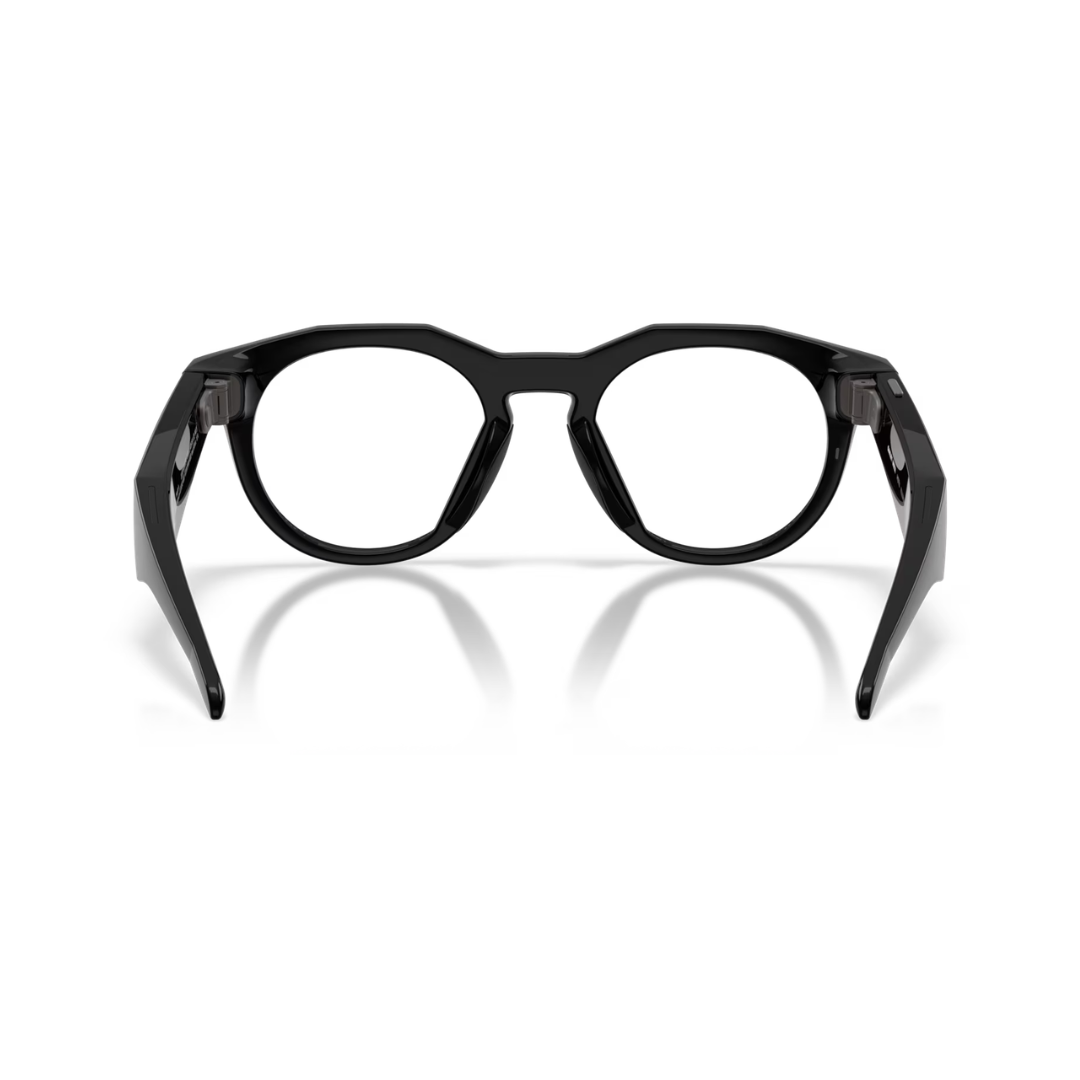
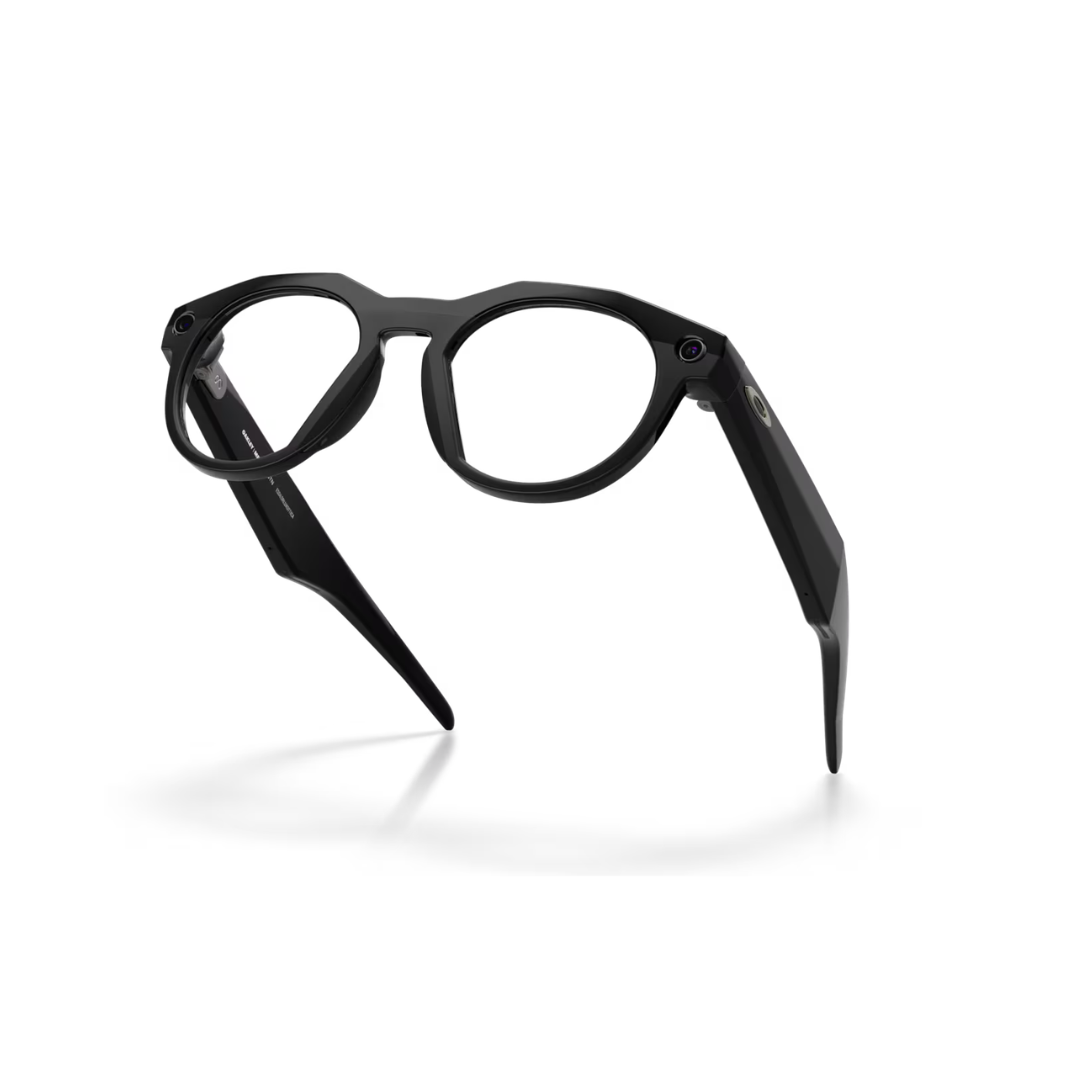
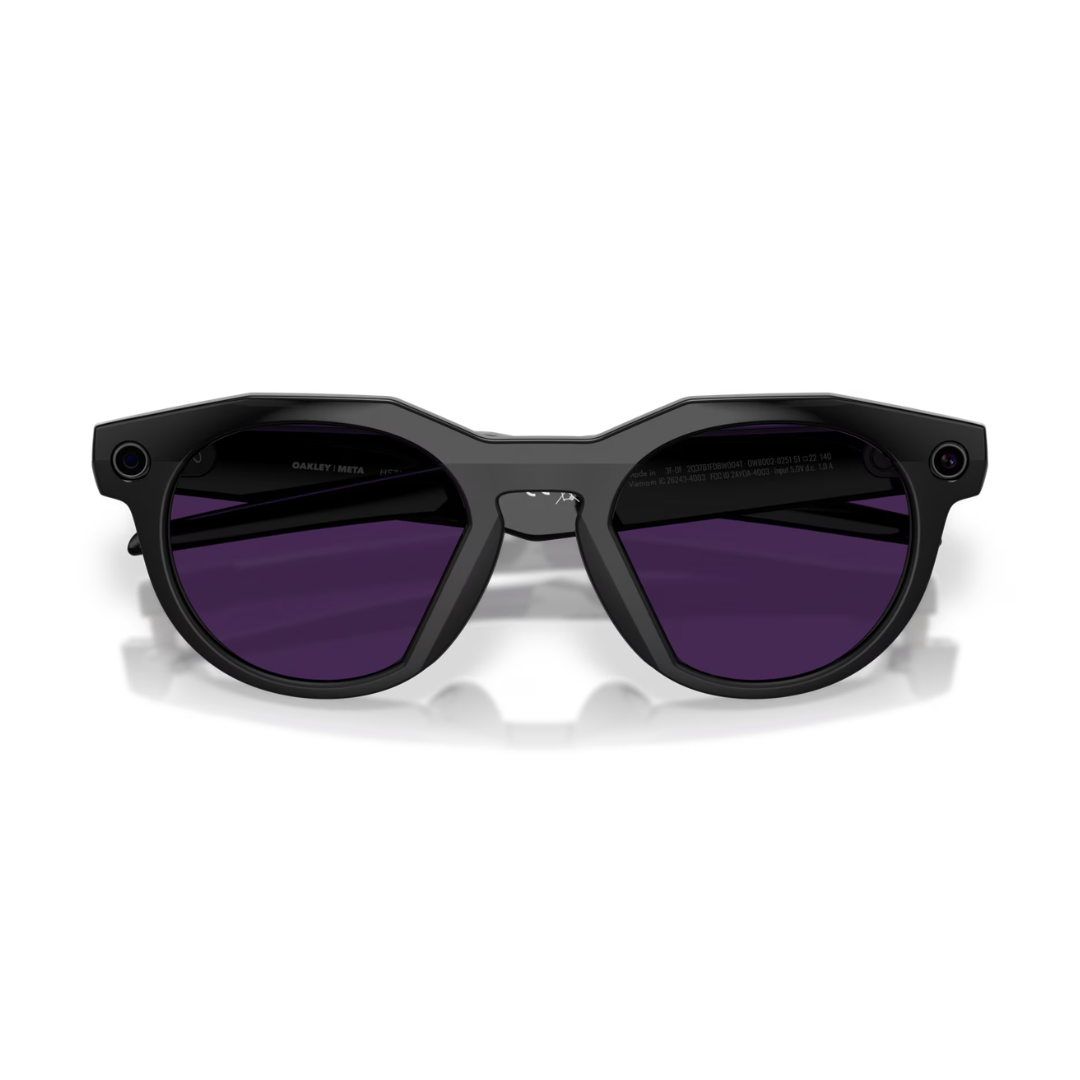
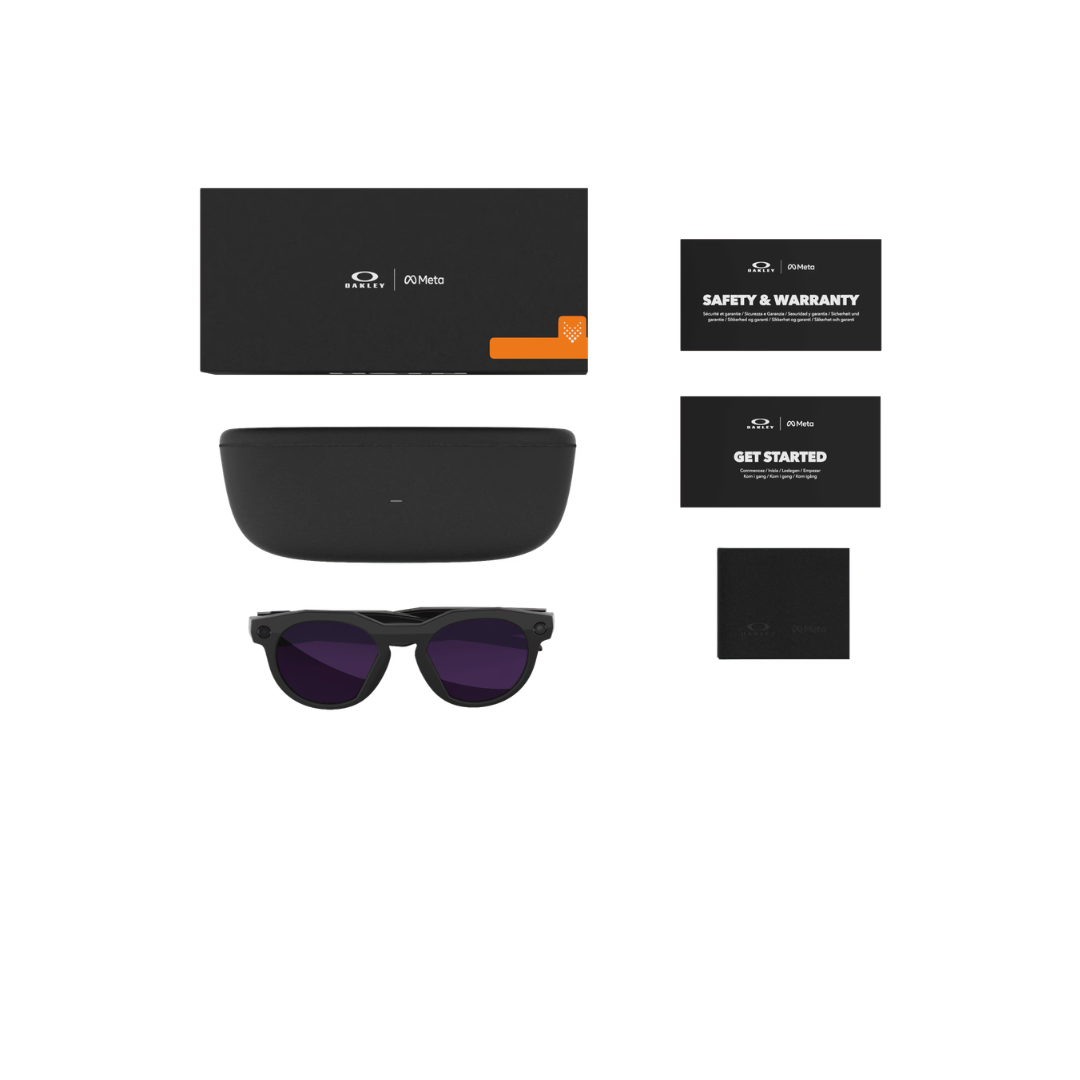
Oakley Meta | OW8002 HSTN
- Regular price
-
$390.51 USD - Regular price
-
- Sale price
-
$390.51 USD
Availability: Special Order and Ships in 5 Days
Frame Colour: Black | Clear | Brown Smoke | Warm Grey
100% UV Protection: Yes*
Sizing Information

Size: Eye-52 | Nose-18 | Arm-140
Shape: Roundish
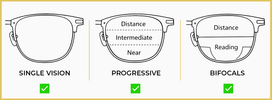
Prescription Lens Options: Single Vision | Bifocals | Progressive
Detailed Information
Oakley Meta smart glasses deliver cutting-edge wearable technology in a sleek, timeless design. Capture life in 3K Ultra HD with a 12MP ultra-wide camera, store 1,000+ photos with 32GB storage, and enjoy up to 8 hours of battery life (48 hours with case). Features discreet open-ear speakers, a precision 5-mic array for clear calls, and prescription-ready lens options. Stay connected hands-free throughout your day while maintaining iconic style. Lightweight, durable, and built for all-day comfort.
Features:
- 3K Ultra HD for the highest resolution video
- Up to 8 hours of battery life, up to 48 additional hours with fully charged case
- Prescription-ready with many lens types to choose from
- 12 MP ultra-wide camera for HD photos and video
- Discreet open-ear speakers and custom 5-mic array
- 32GB flash storage (1,000+ photos, 100+ 30s videos)


Couldn't load pickup availability

What is pupillary distance?
Your PD is the distance in millimetres between the centre of one pupil and the centre of the other pupil. This measurement ensures that we make your lenses with the prescription exactly where your eyes require them, resulting in superior vision!
Types of pupillary measurements
Single PD and dual PD measurements are the two types of PD measurements.
Single PD
The distance between the centres of one pupil and the centres of the other is referred to as the single or binocular PD measurement. A single PD measurement yields a single value, such as 60, 63, or 55 mm.
Dual PD
The distance between the centre of each pupil and the bridge of the nose is referred to as dual or monocular PD. Dual PD measurements consist of two numbers. For instance, if the dual PD is 31/33, the first number refers to the right eye and the second to the left eye.
Different methods to measure your PD
We offer two simple methods for measuring your pupillary distance (PD).
Option 1: Manual Measurement
Measure your eye PD using a ruler by following the step by step instructions provided below.
Option 2: Online PD Measurement Tool
Use our online eye PD scan tool to measure your PD quickly and easily. All you need is a device with a camera. You can also choose to upload a photo of yourself for the measurement.
Manually measuring your pupillary distance (PD)
What you will need:
1. A ruler in millimetres (mm).
2. A friend or a mirror.
3. Good lighting.
Step 1:
Stand in front of the mirror or have someone stand in front of you and hold the ruler on your eyebrows so it is steady and straight.

Step 2:
Align the '0' mark on the ruler with the centre of your right eye. Read the measurement that is falling on the centre of your left eye. That number is your PD.

All Done:
Your PD measurement is now complete. Make sure to double check and have someone assist you for more accurate results. You can now use this PD measurement for all your prescription needs!
For a more in-dept explanation please visit our guide.
By clicking Virtual Try-On you are granting us permission to use your devices camera in order to assist you in selecting the best frames for you.
None of your personal data will be saved, recorded, sent, transferred, used, or sold.
For more information please refer to our Privacy Policy.



